
Professional PowerPoint templates built on consulting standards.
The same type of slide library consultants use, now accessible to all professionals.
Take a shortcut. Skip blank slides.
The problem
Creating slides feels harder than it should.
Most professionals create presentations regularly. Yet, few have a clear, repeatable way to make slides look polished and consistent. As a result:
Even consultants – known for their slide writing standards – rarely start from scratch. They rely on proven layouts and internal slide libraries. You can too.
The solution
Skip blank slides. Take the same shortcut consultants do.
The toolkit is a curated slide library built on consulting standards, ready to customize with your own content from the first day.
You get the same shortcut consultants rely on. And as you reuse the layouts, you naturally absorb the underlying best practices behind them.
What’s included?
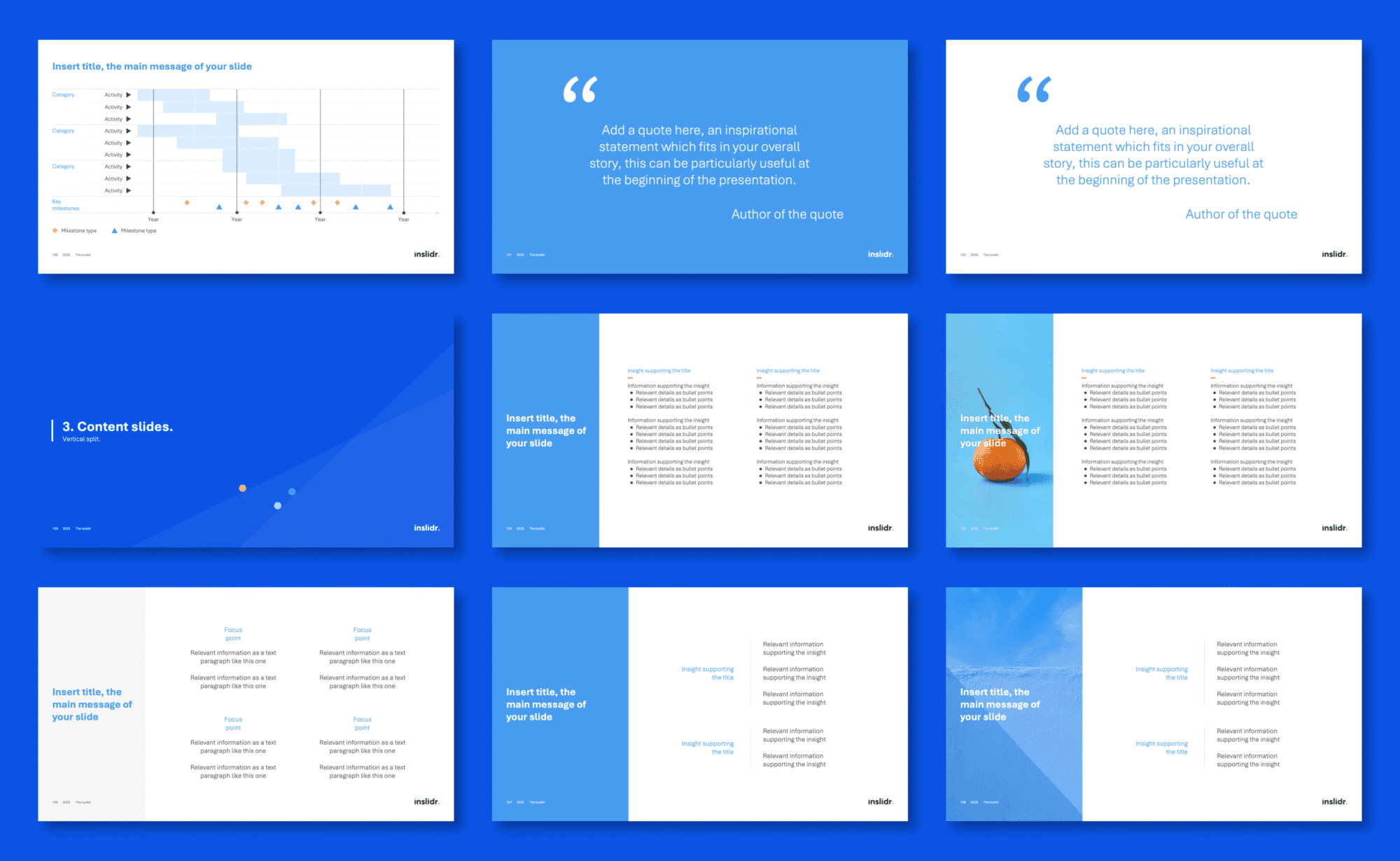
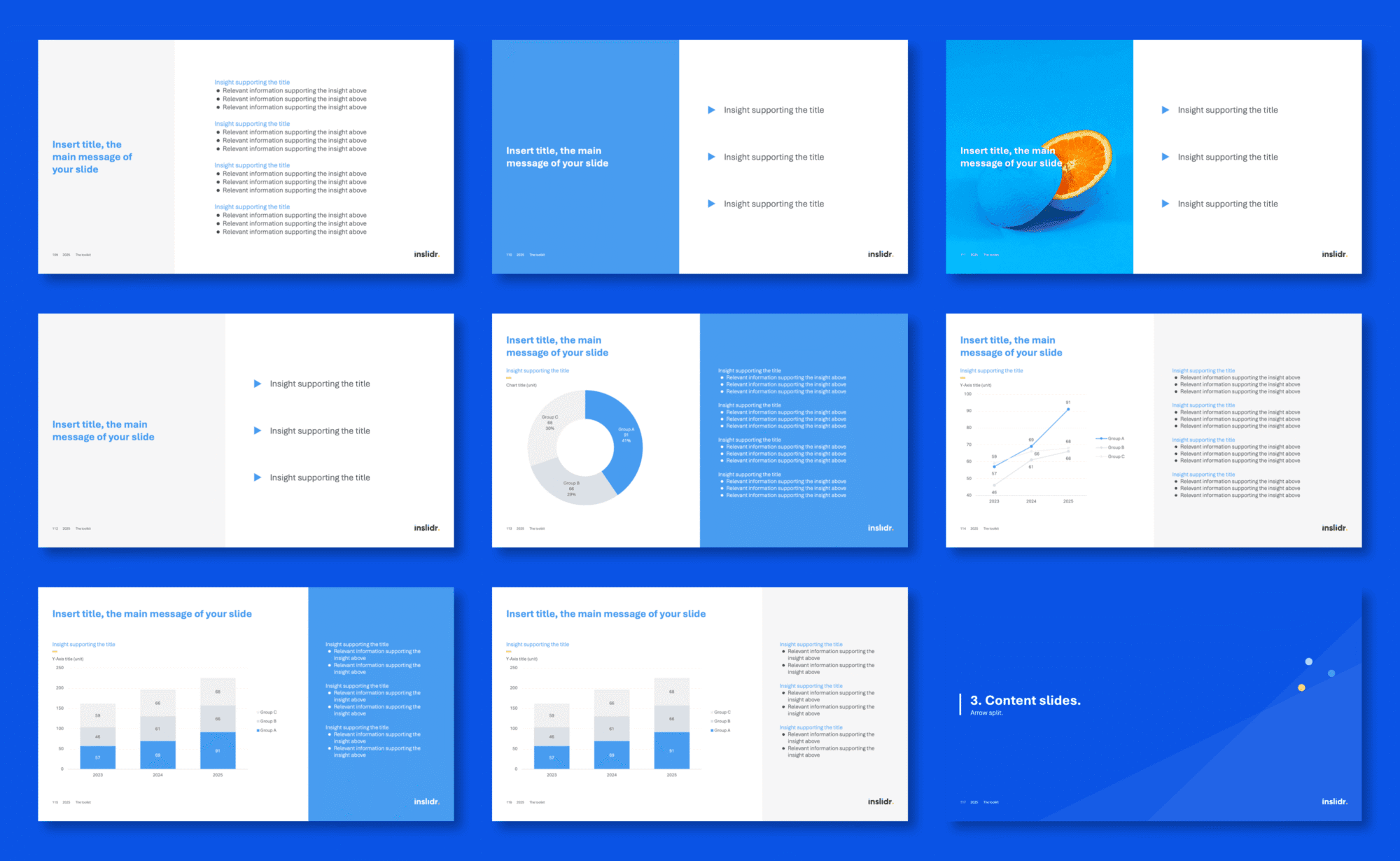
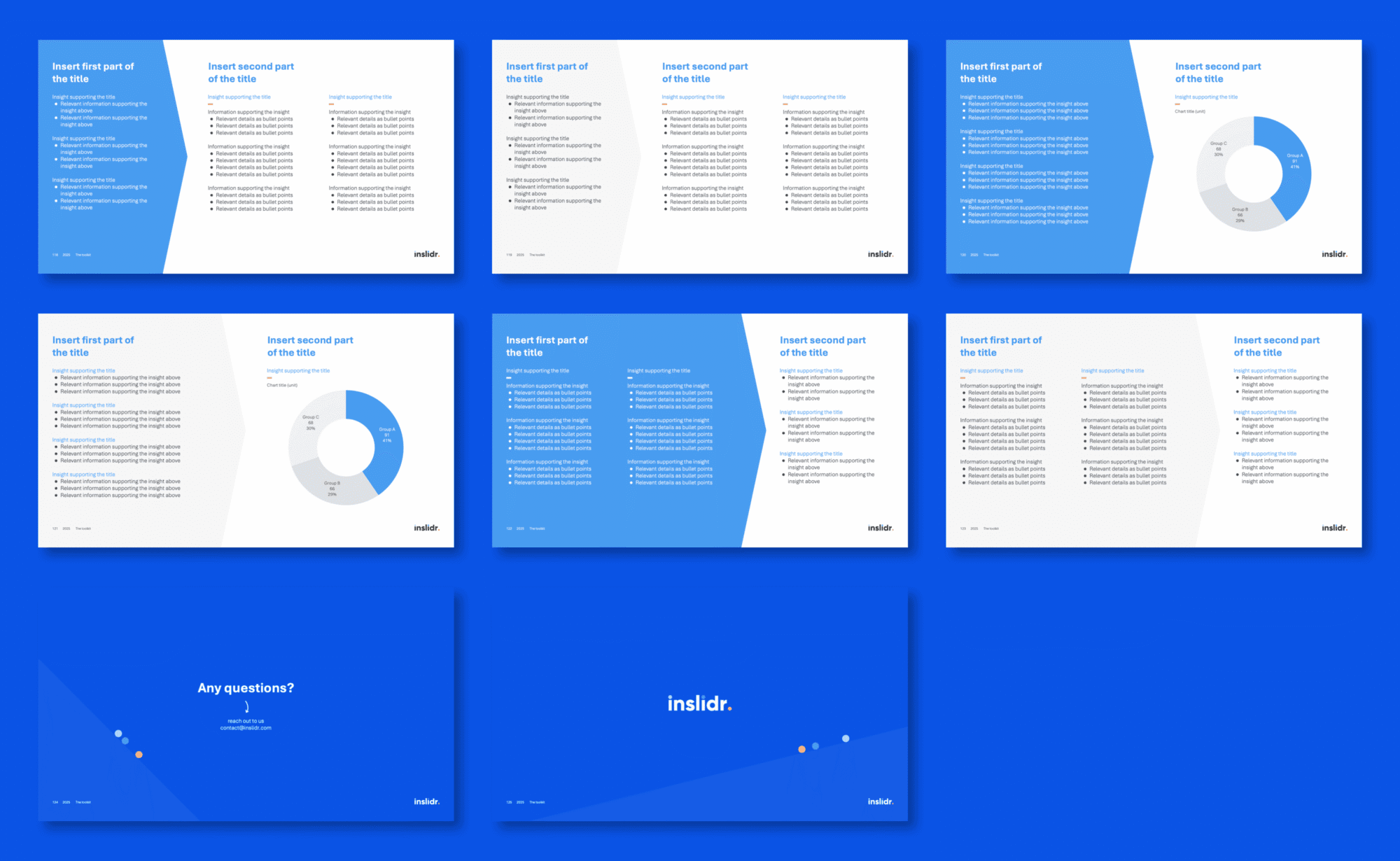
Curated selection of fully-formatted consulting-grade visuals. Clean, timeless designs. Zero fluff. No flashy animations, no fancy fonts, no fillers.
- Executive summaries
- Covers
- Agendas
- Dividers
- Thank you
- Structured text
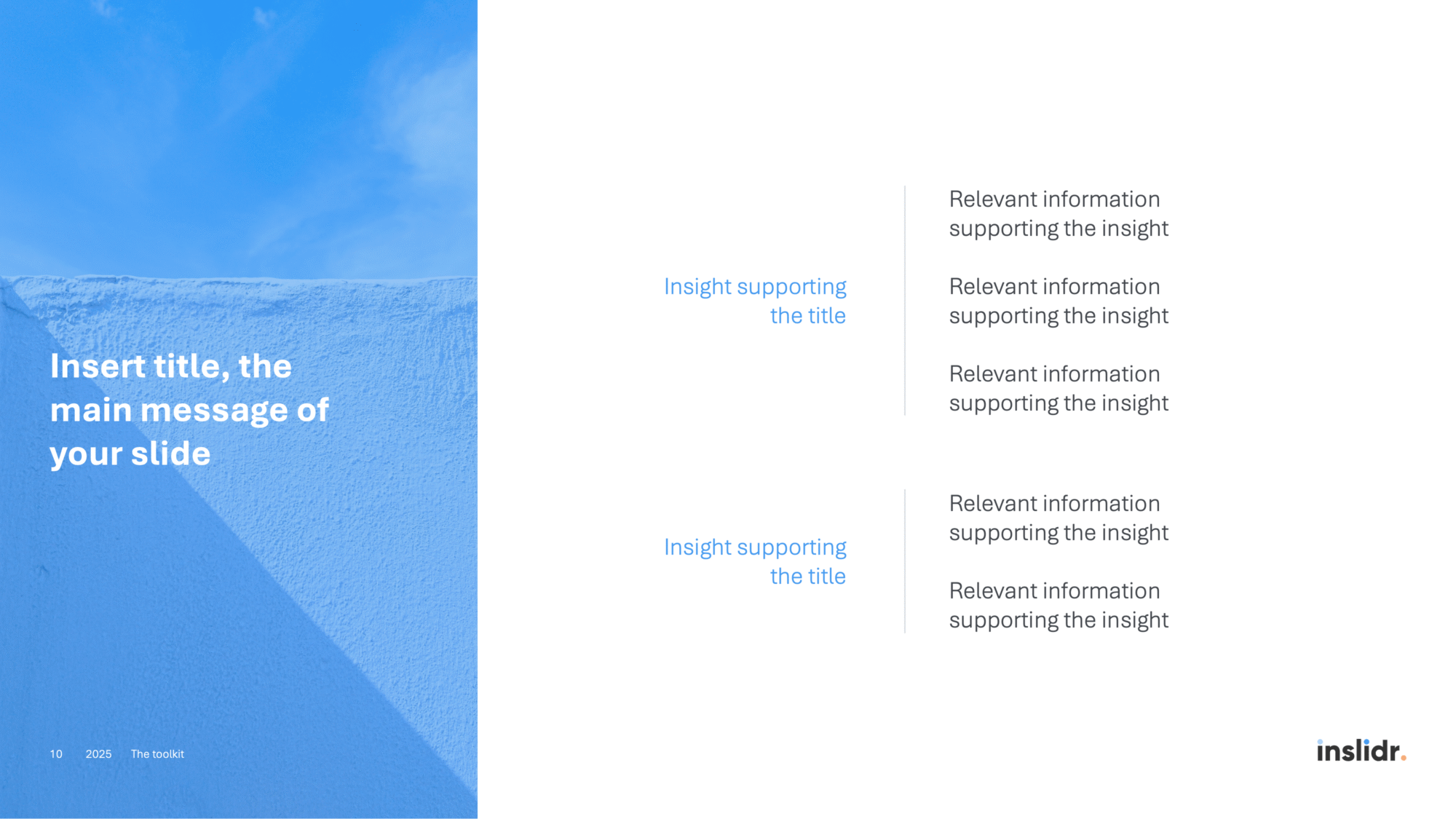
- Picture-based layouts
- Split (vertical, arrow) content
- Structured steps
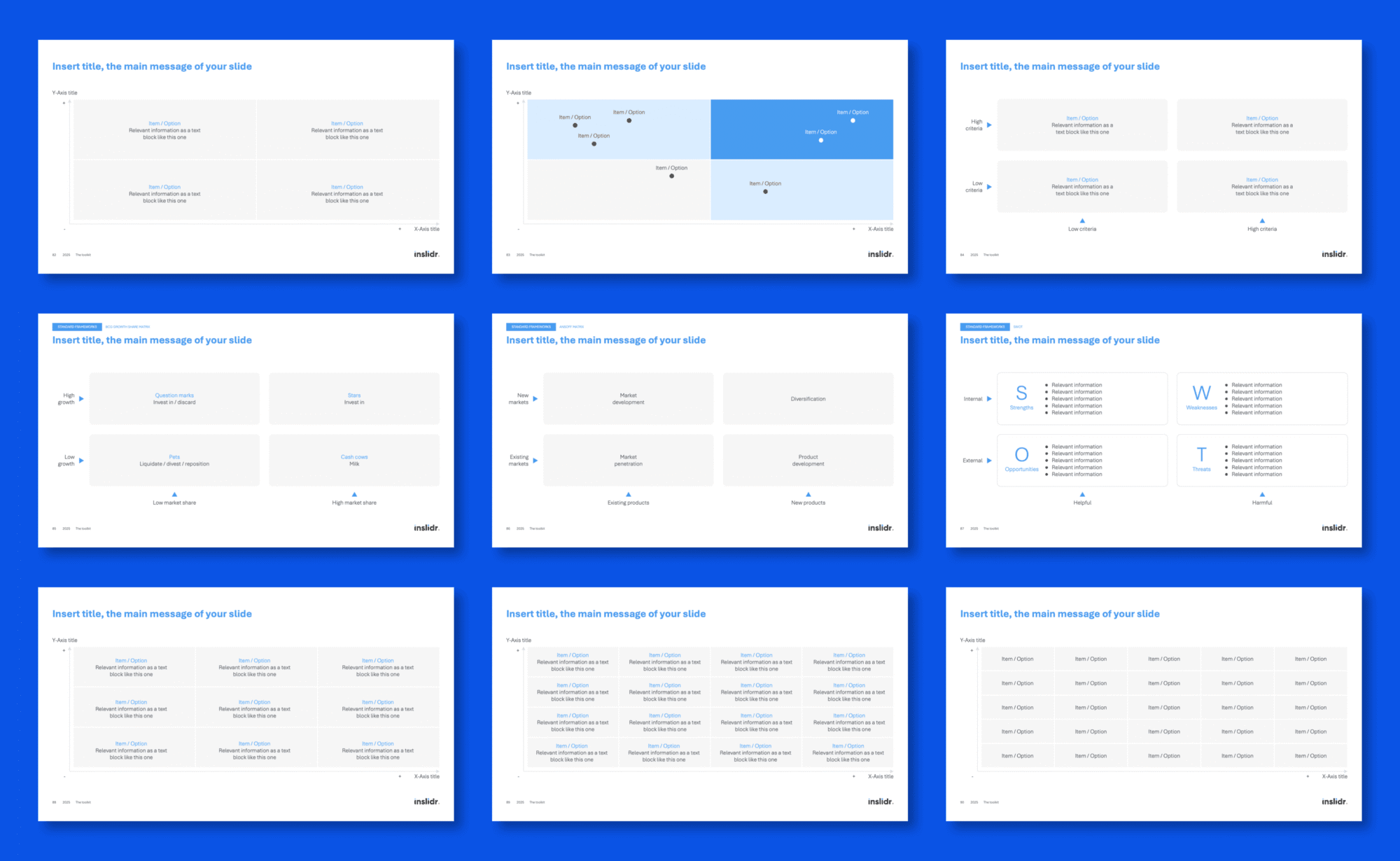
- Matrices
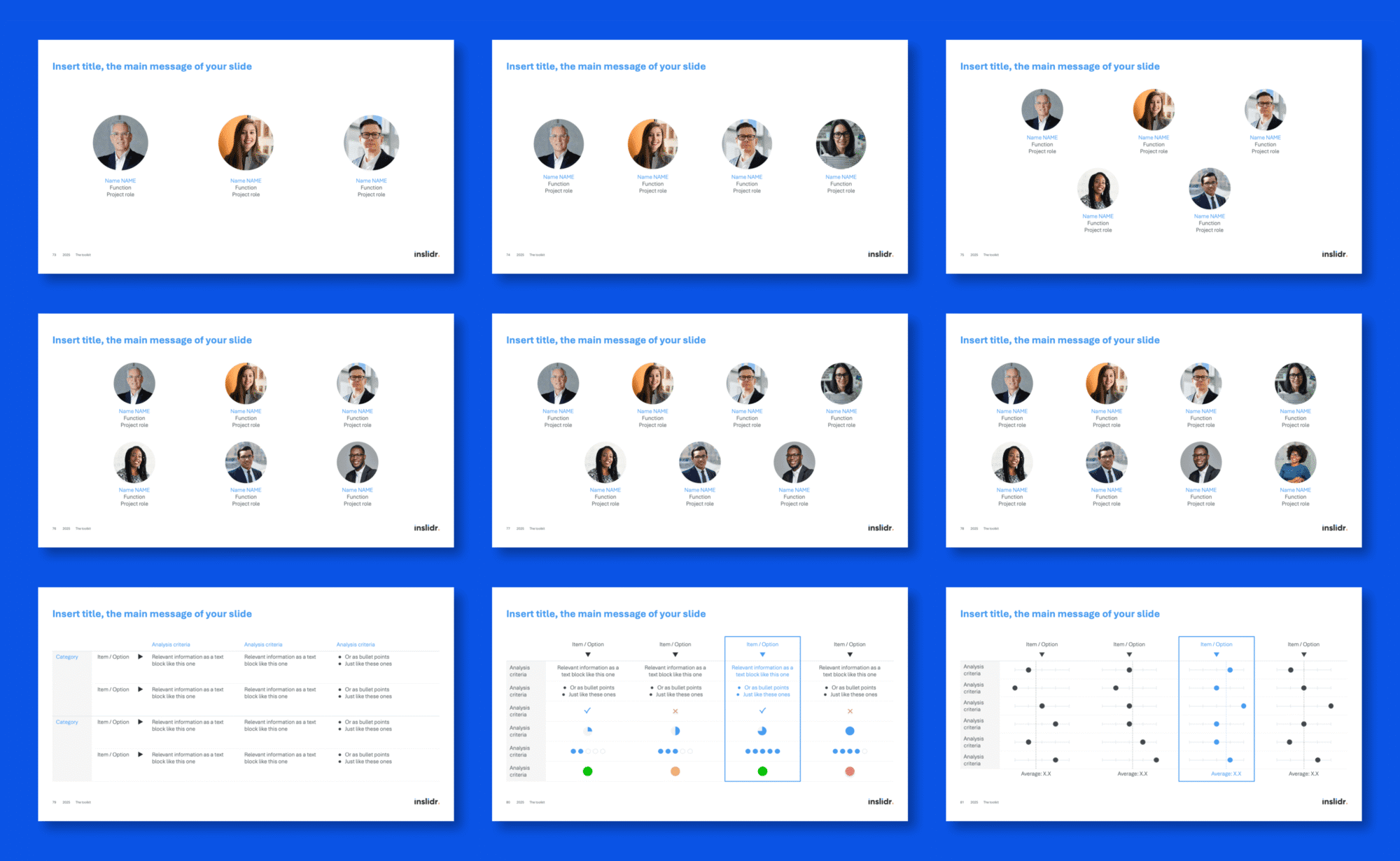
- Team structures
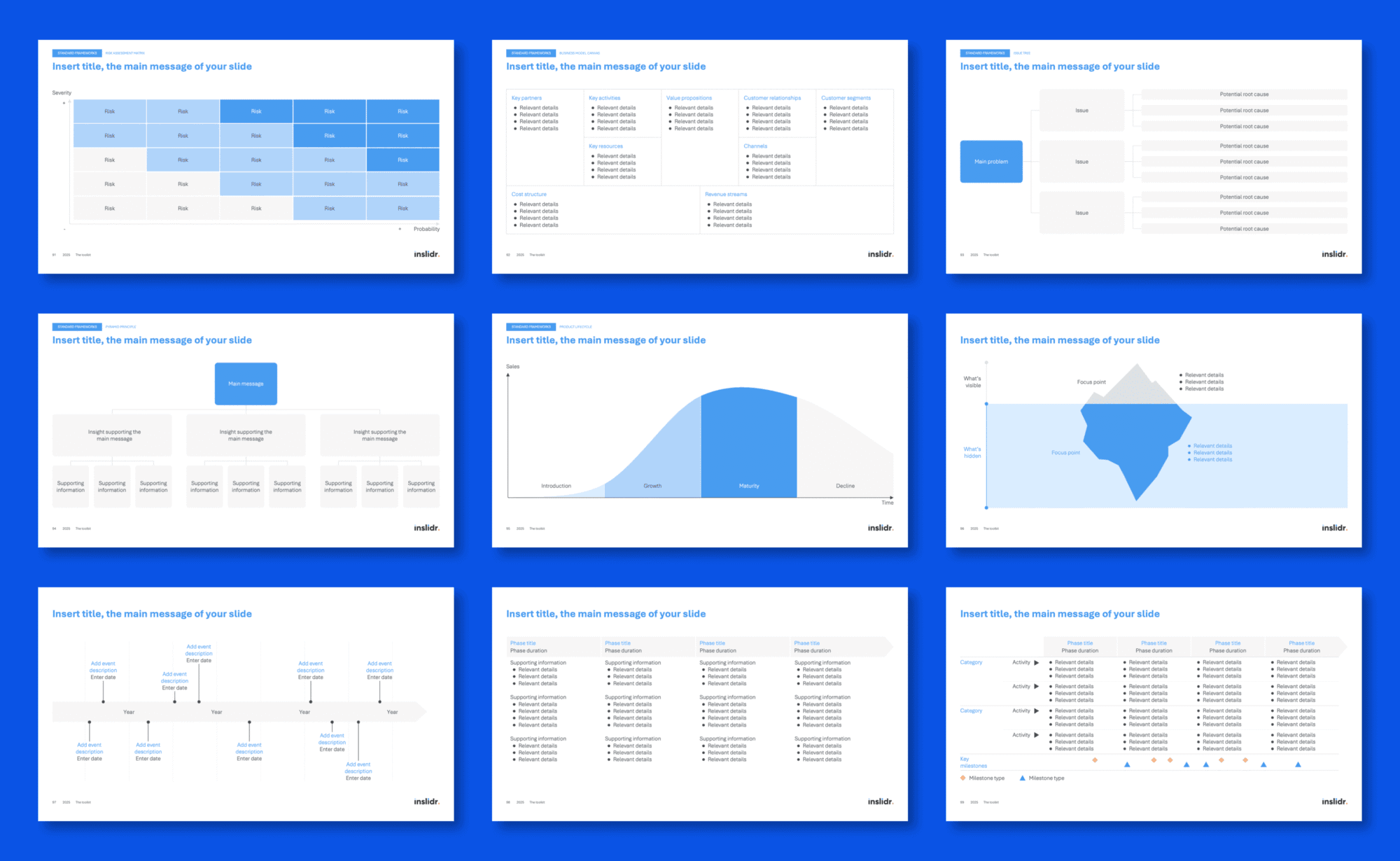
- Timeline
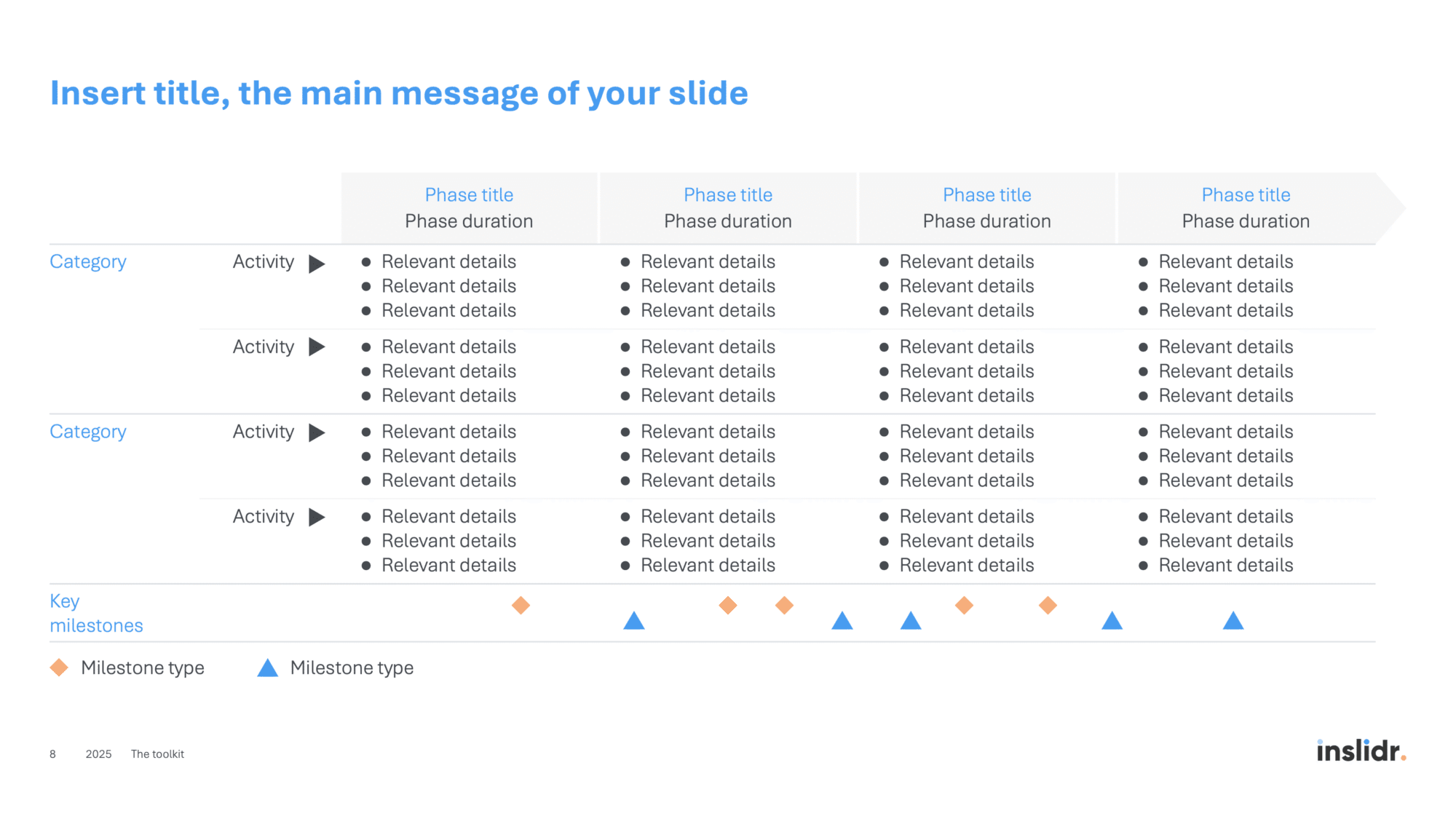
- Roadmap
- Quote slide
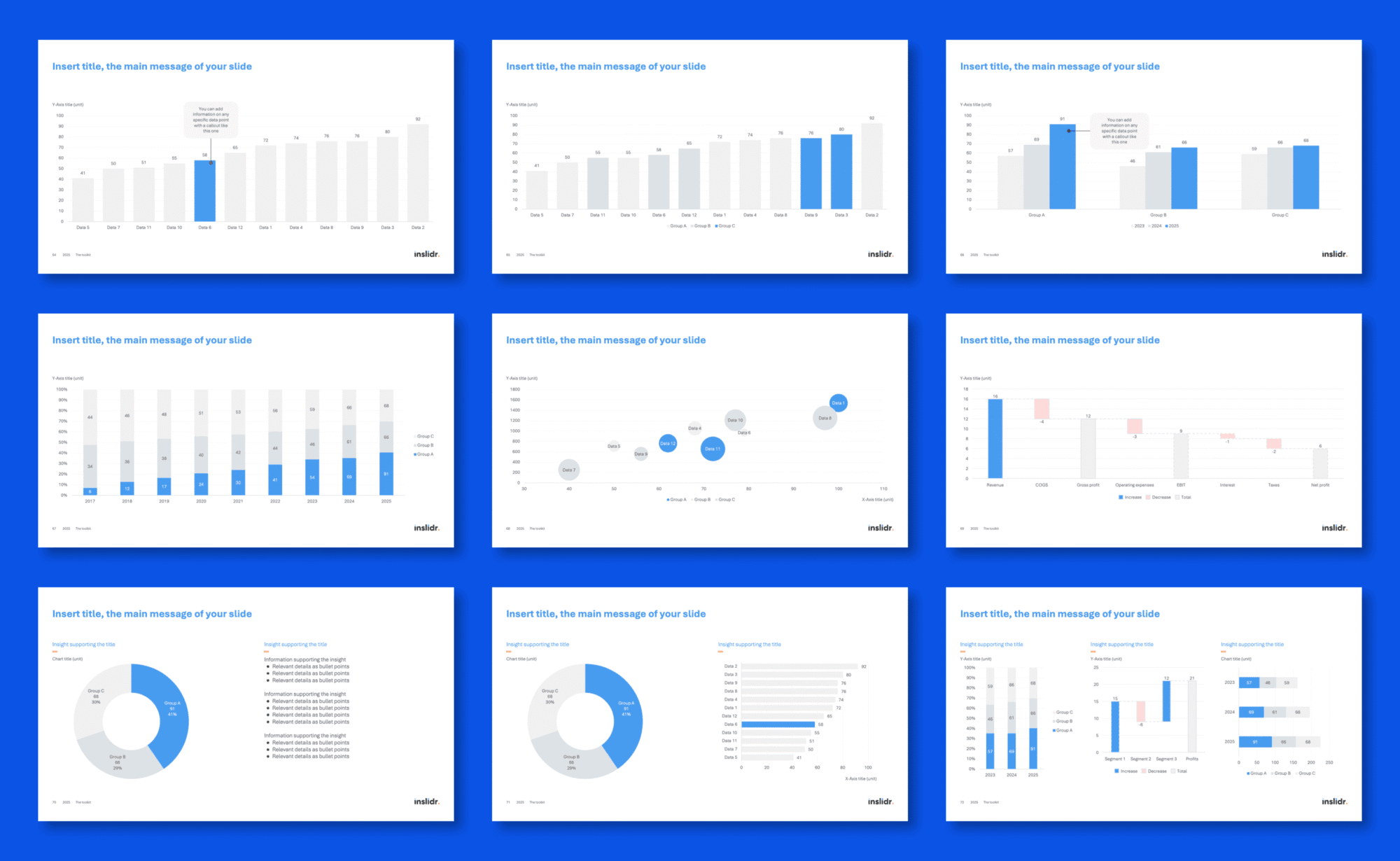
- Bar charts
- Pie chart
- Waterfall charts
- Bubble charts
- Flow diagrams
- Pyramid diagrams
- Venn diagram
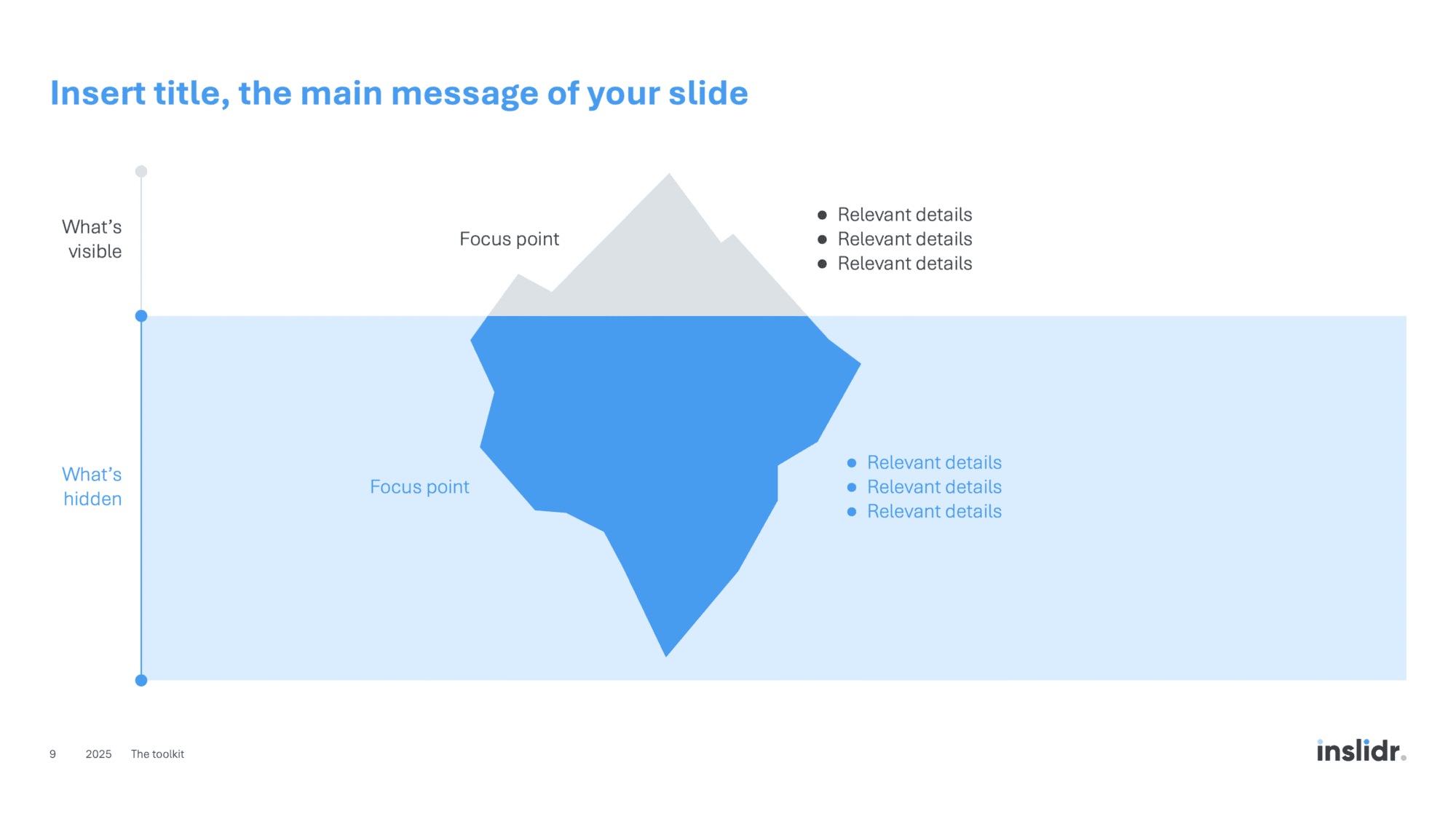
- Iceberg diagram
Slide templates of useful business frameworks.
- PESTEL
- BCG matrix
- Ansoff matrix
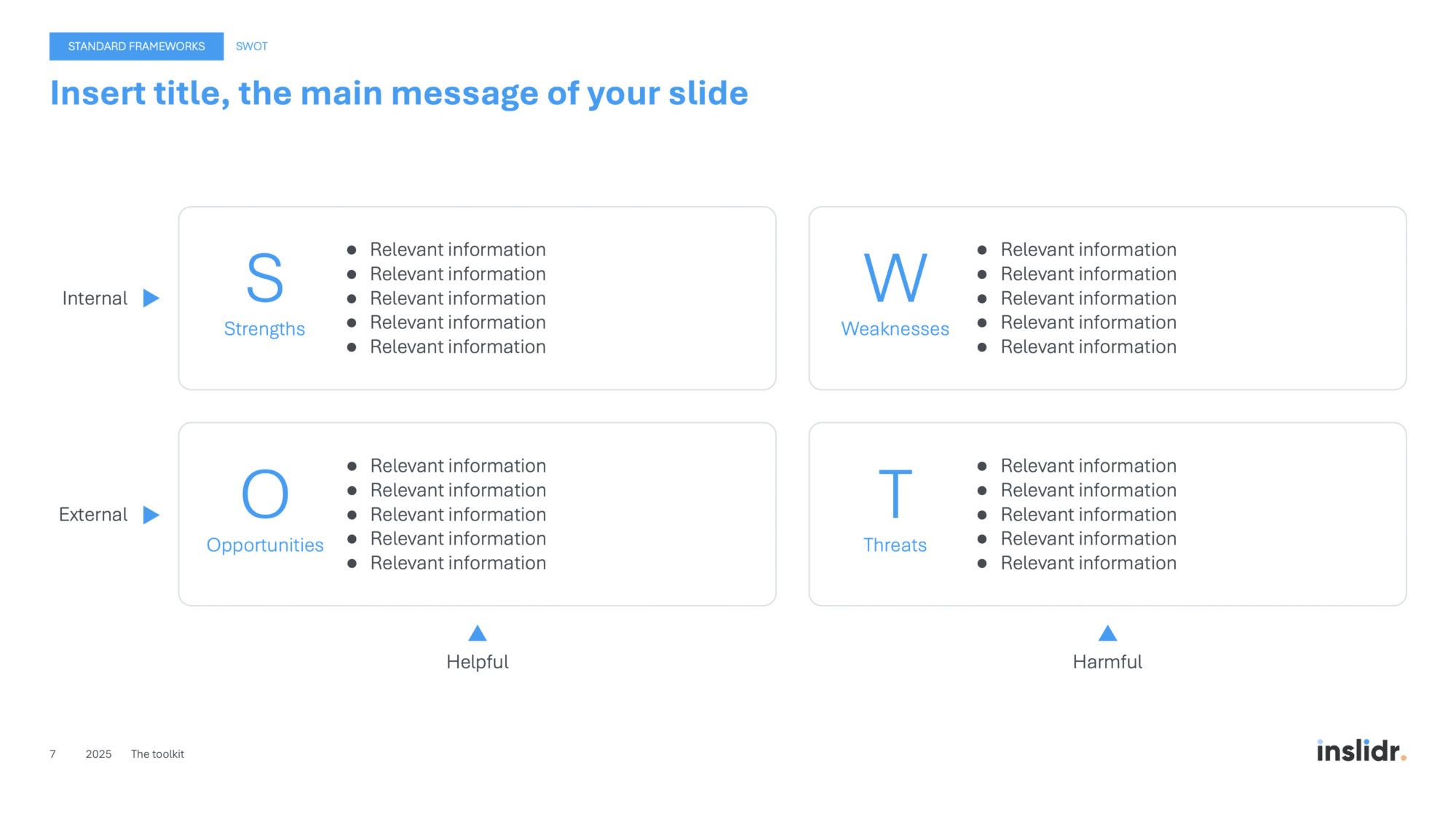
- SWOT
- Risk assessment matrix
- Business model canvas
- Issue tree
- Pyramid principle
- Product lifecycle
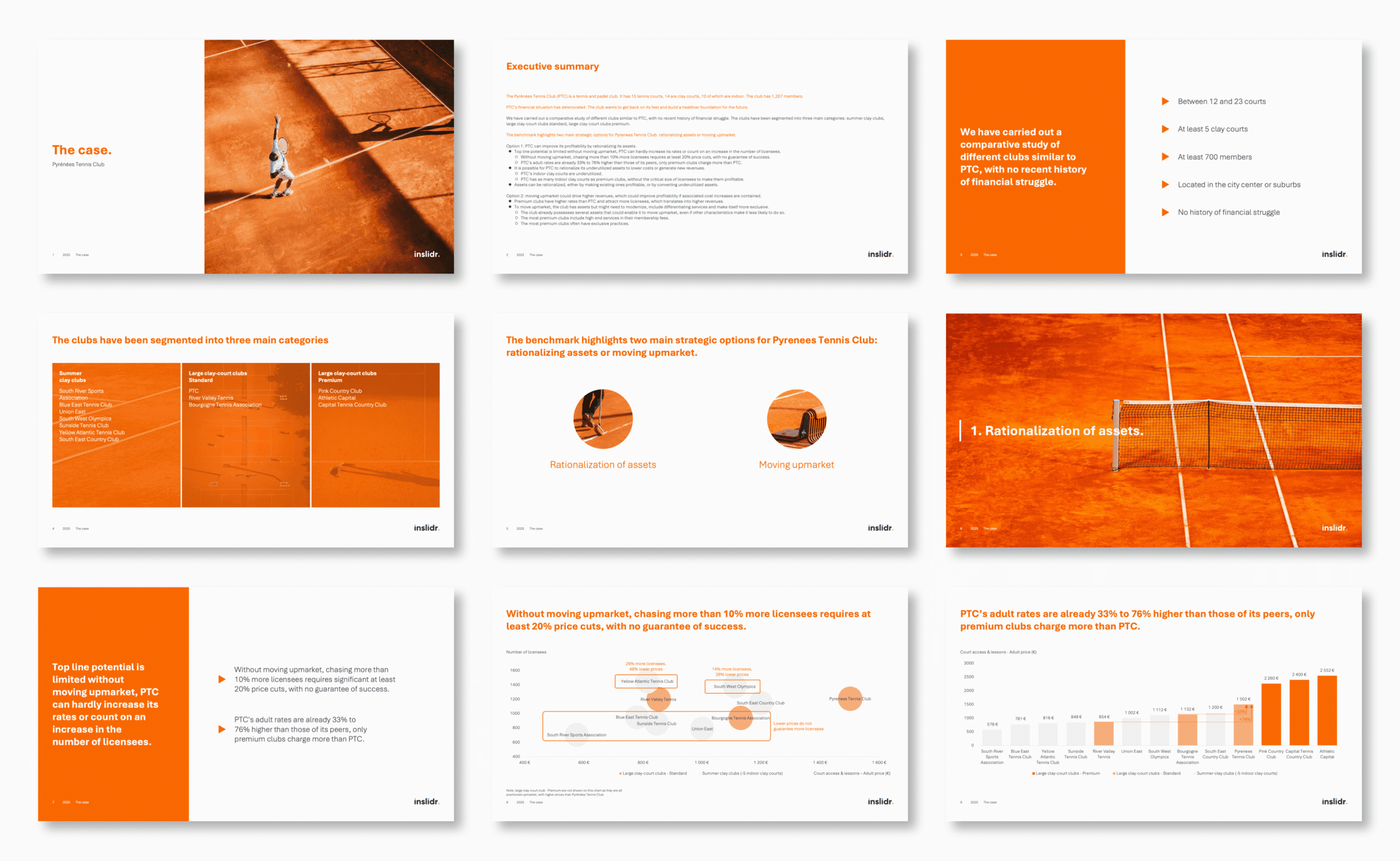
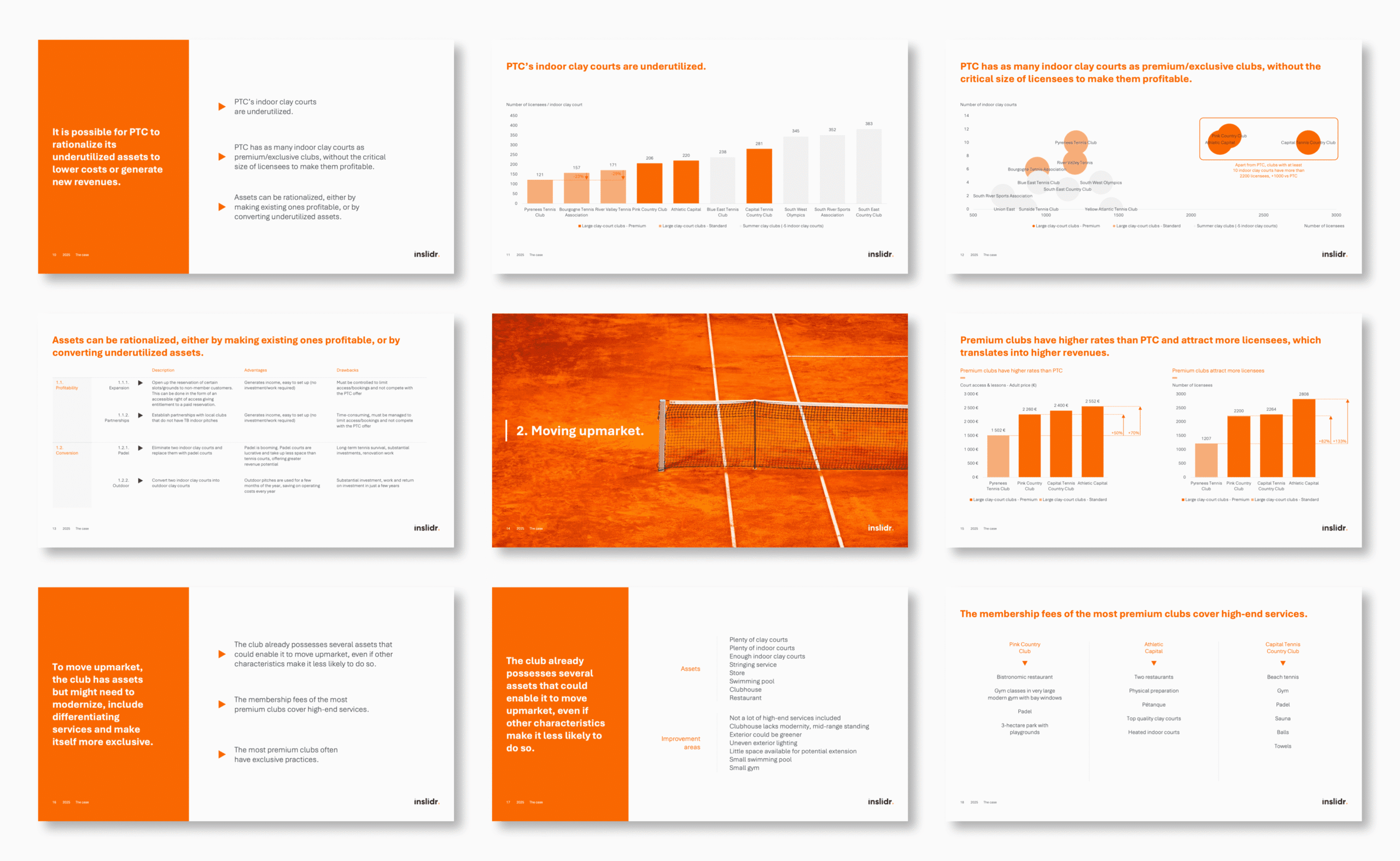
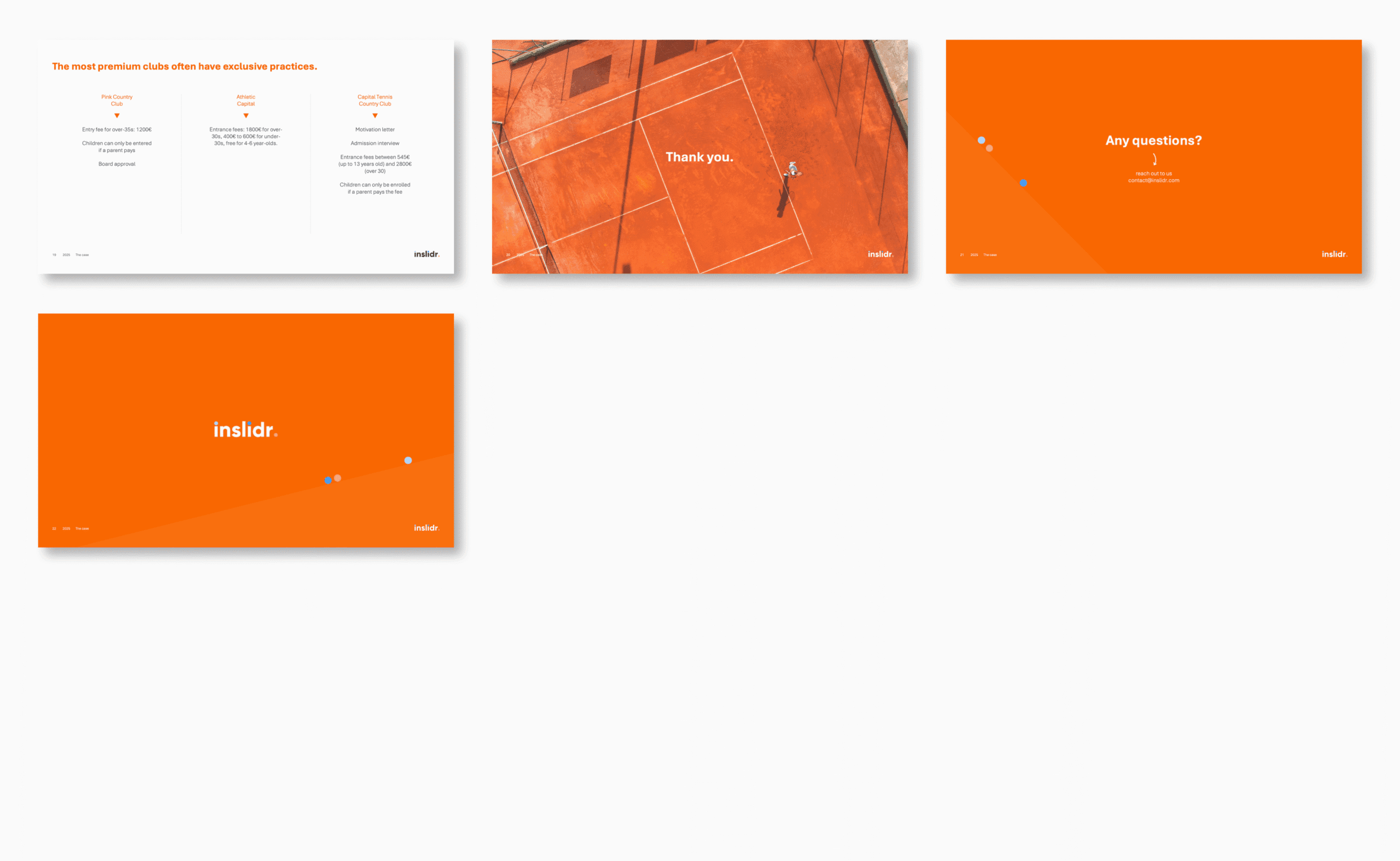
Real-life illustration of how The toolkit can be used. Complete example based on a real-life strategic analysis of a tennis club facing financial pressure.
The toolkit comes with a one-page summary of presentation best practices used by top consulting firms. It covers all the core concepts behind clear, professional slides. Those same principles are applied in the templates, so you can create better slides immediately.
Preview
Take a look at the toolkit.
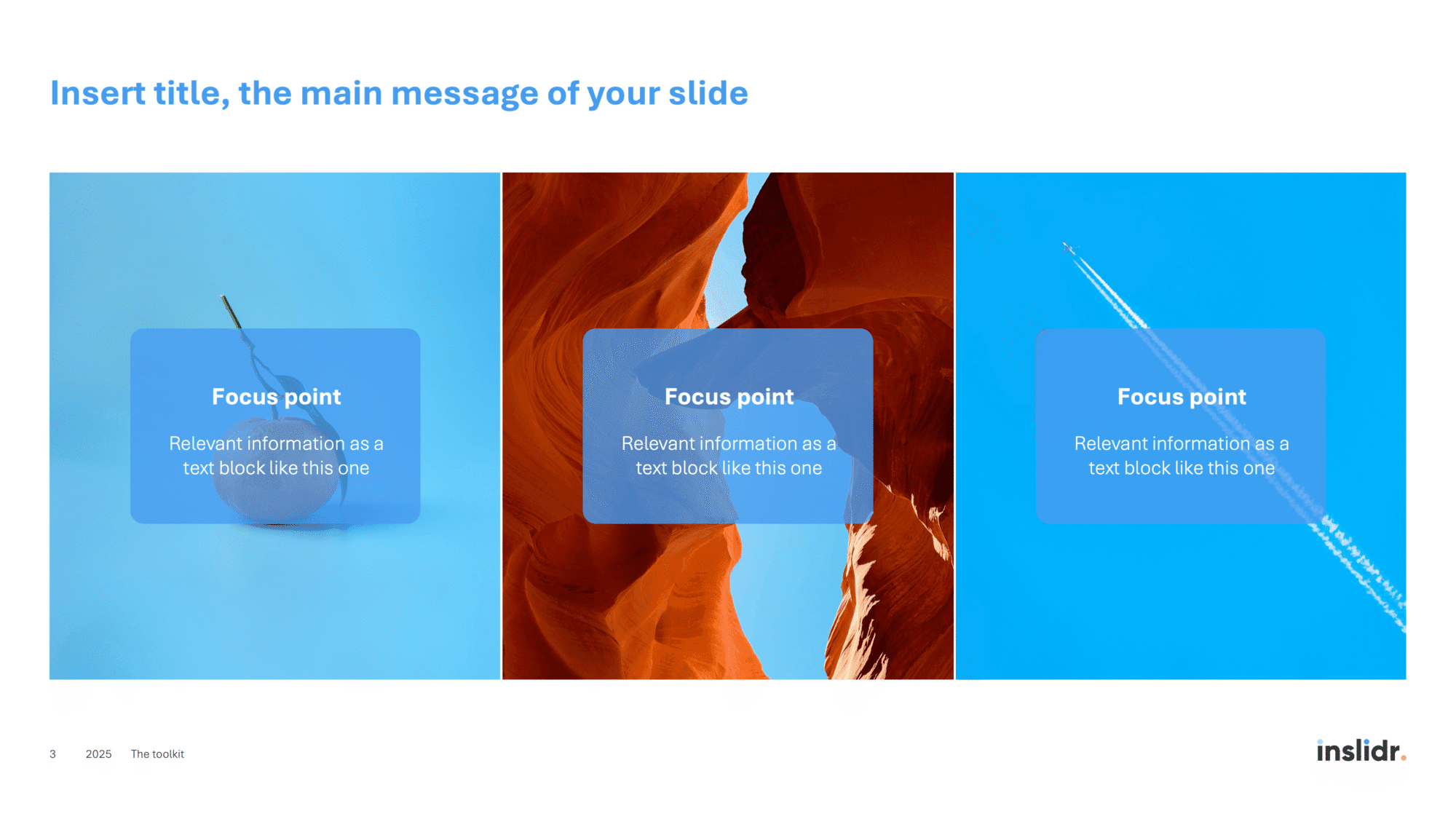
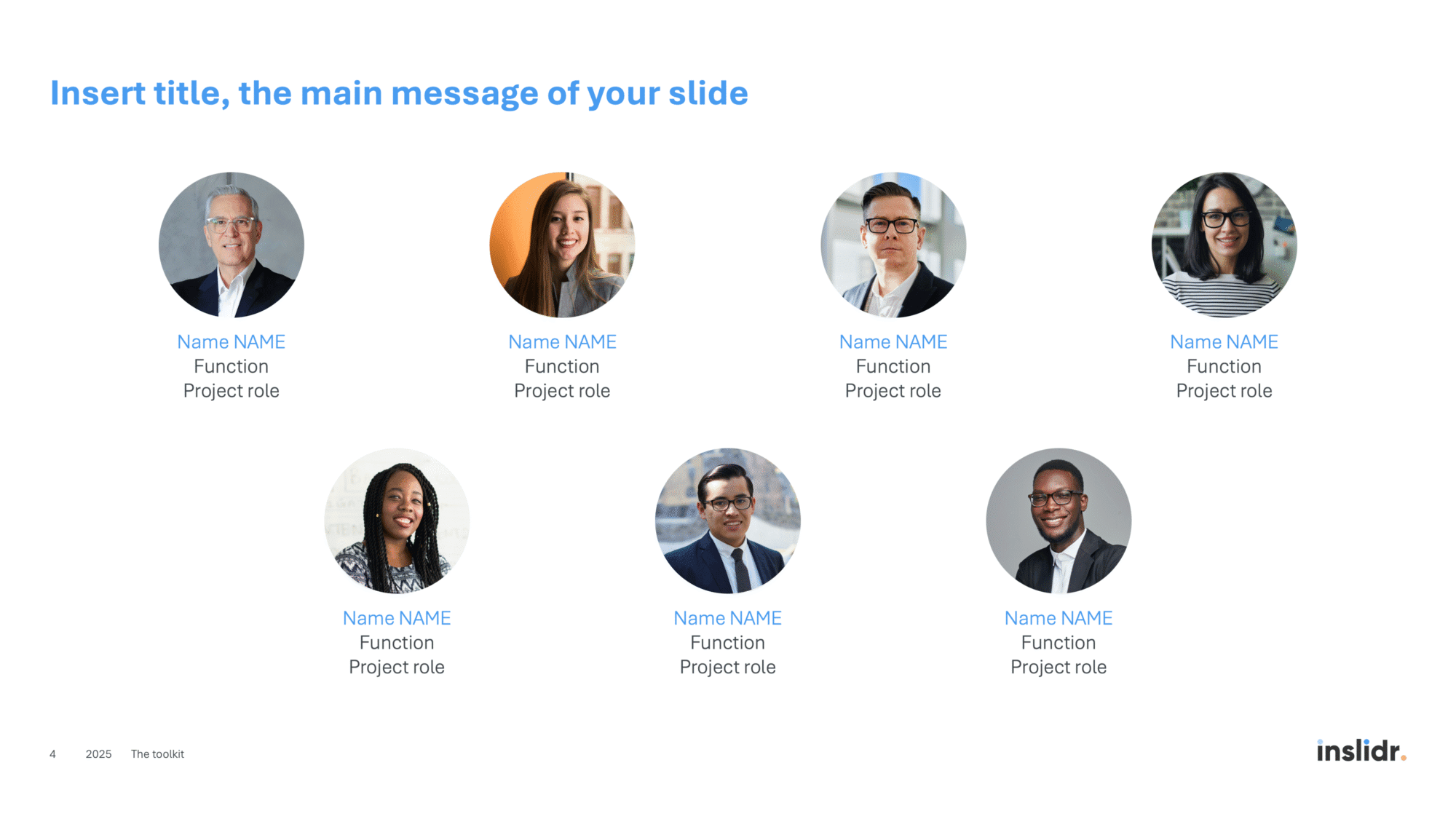
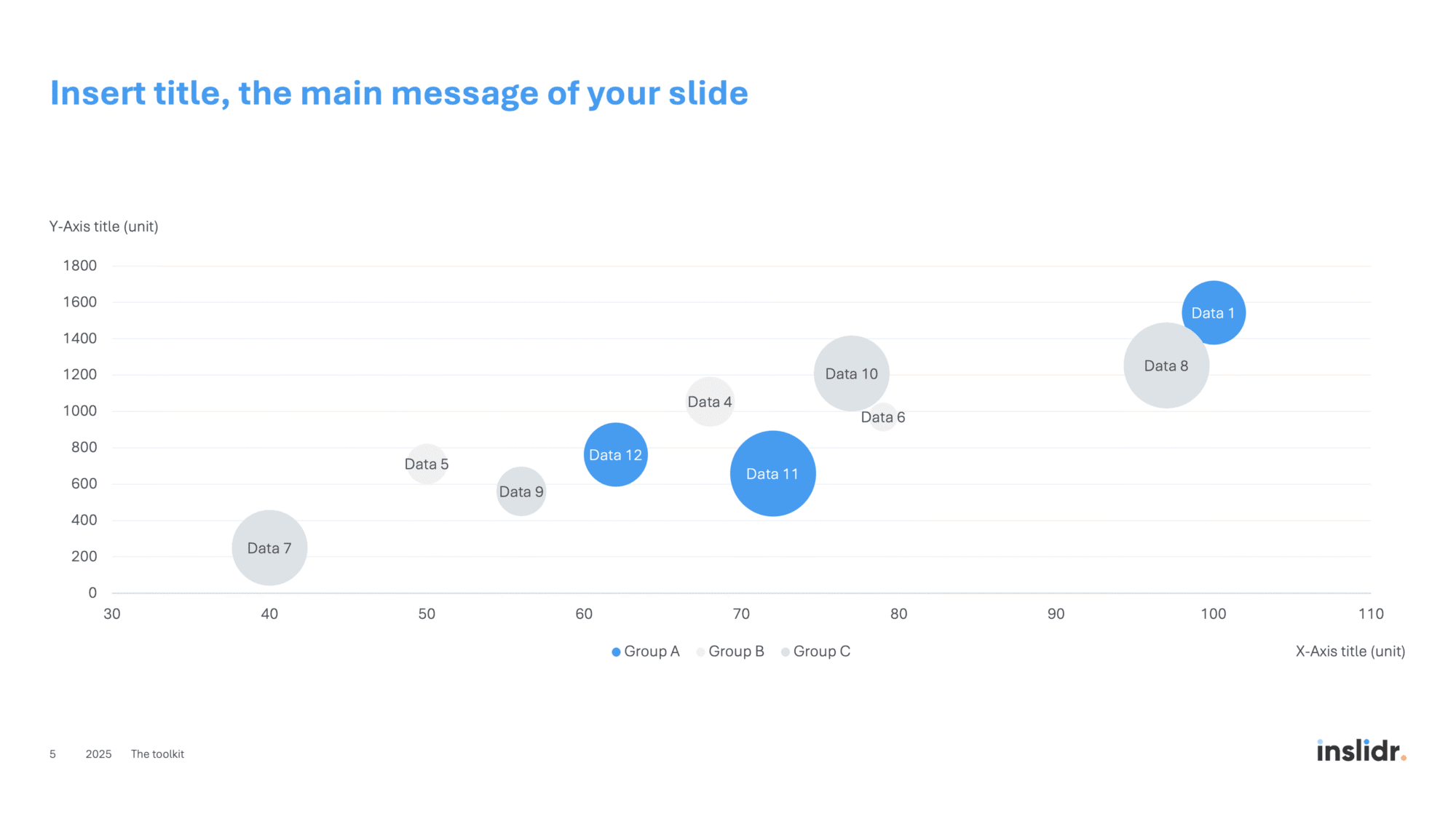
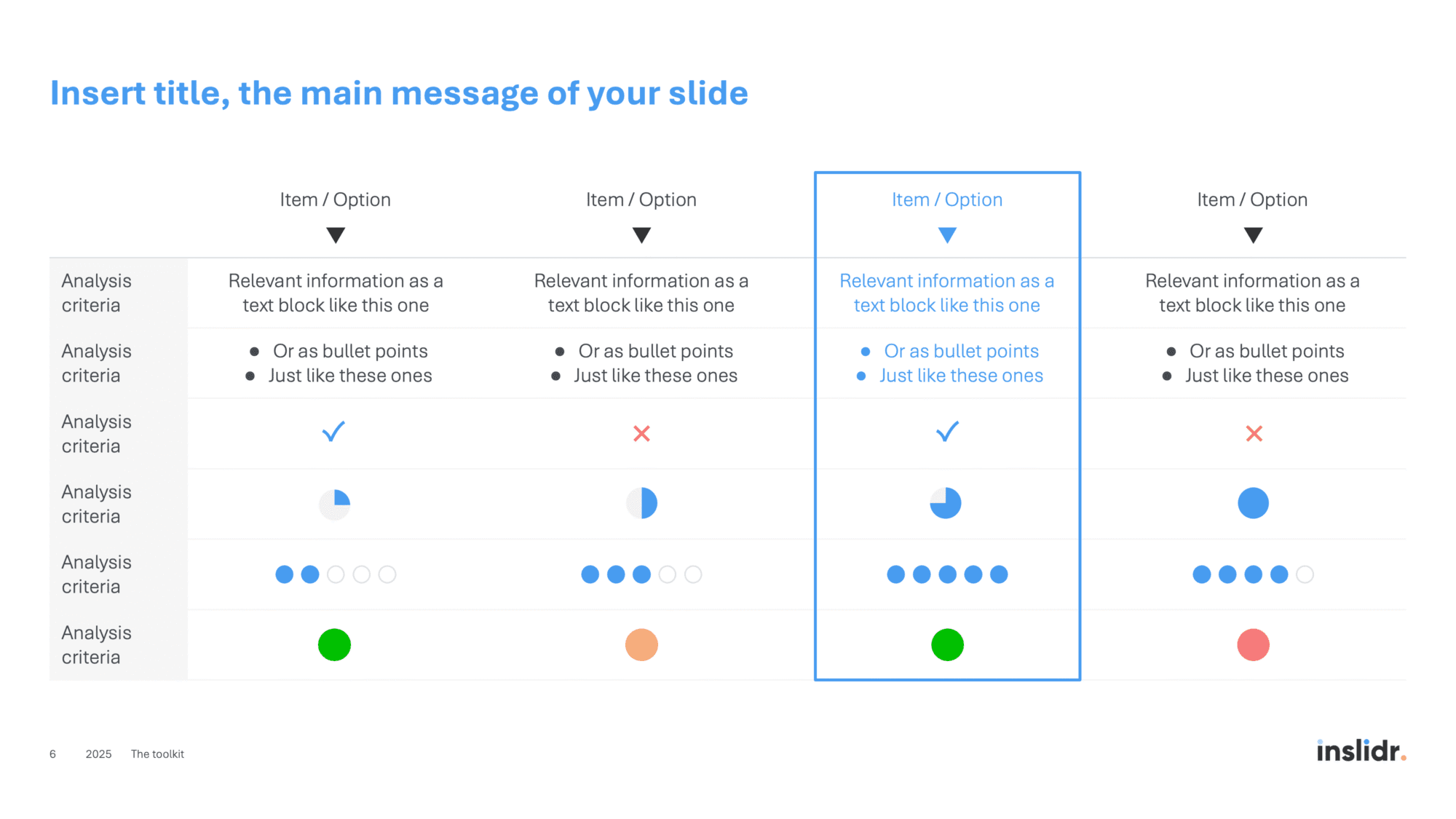
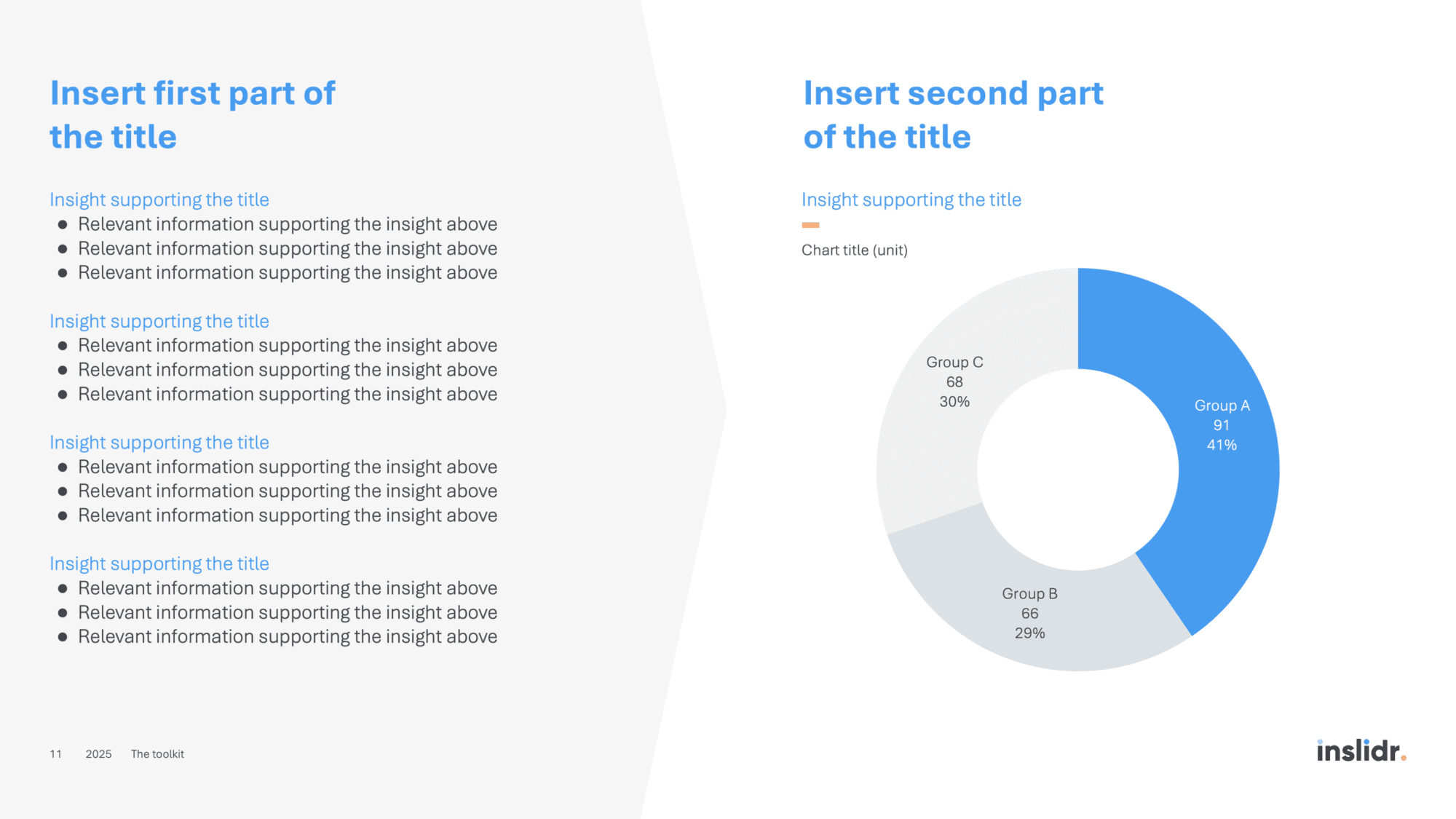
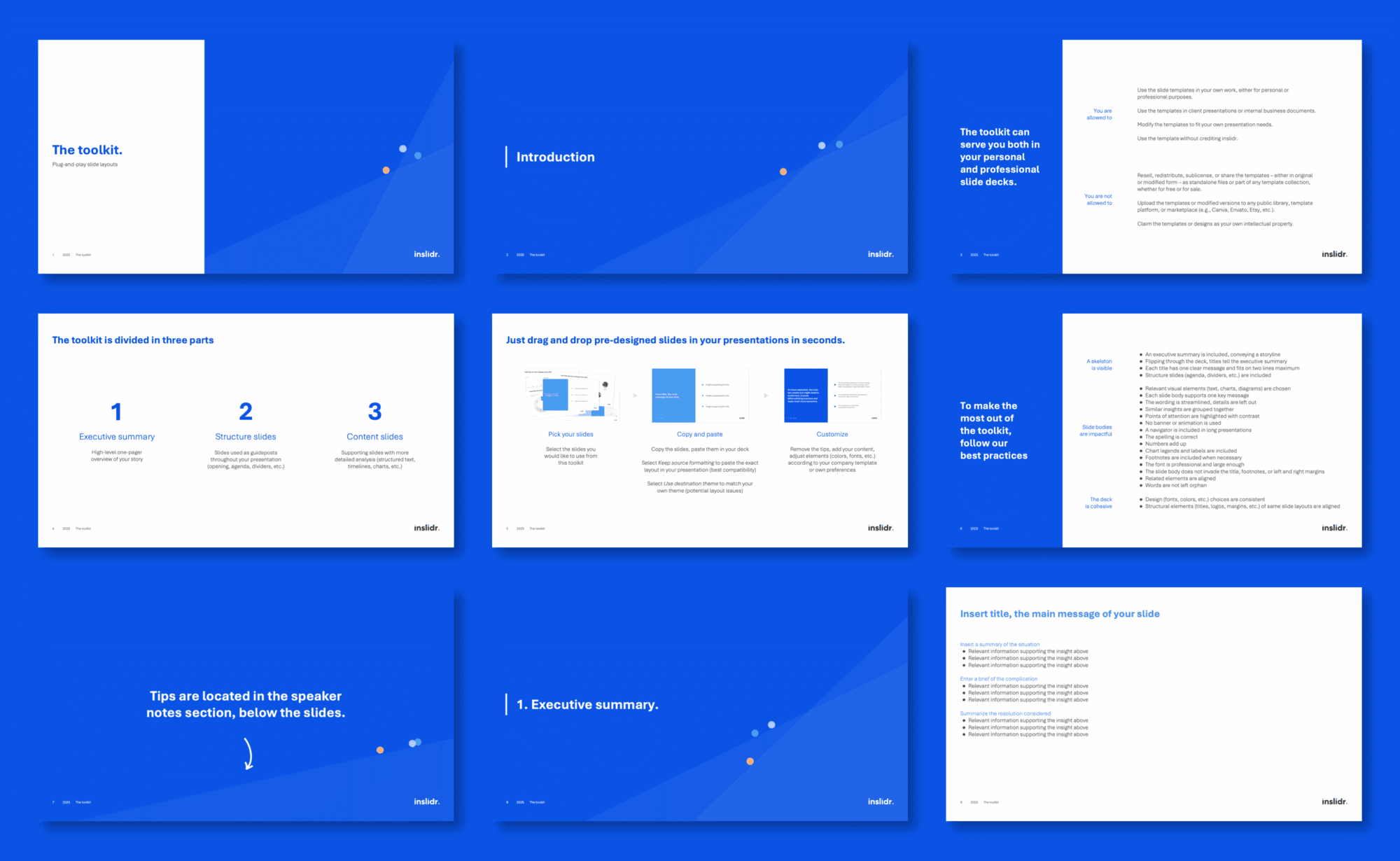
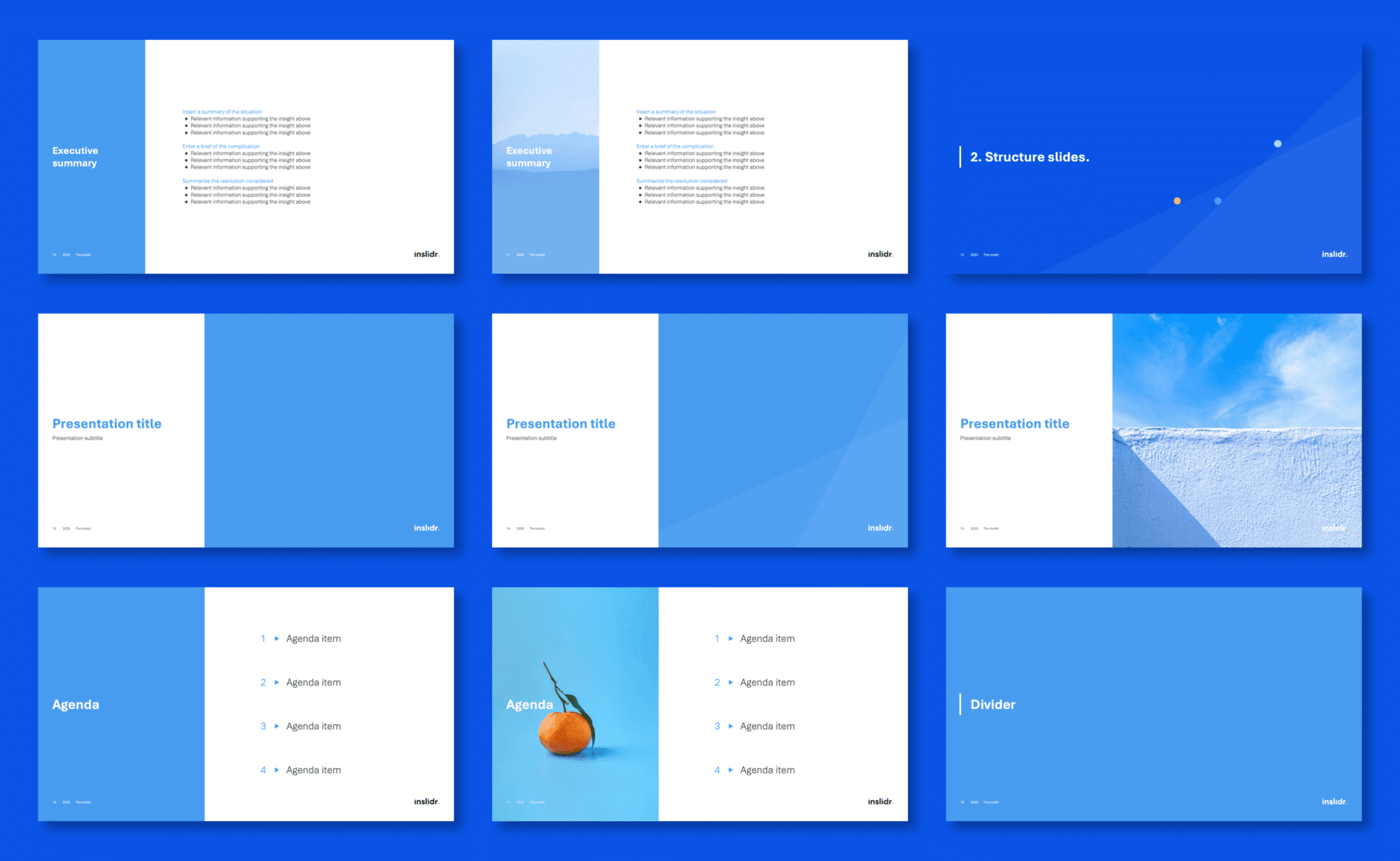
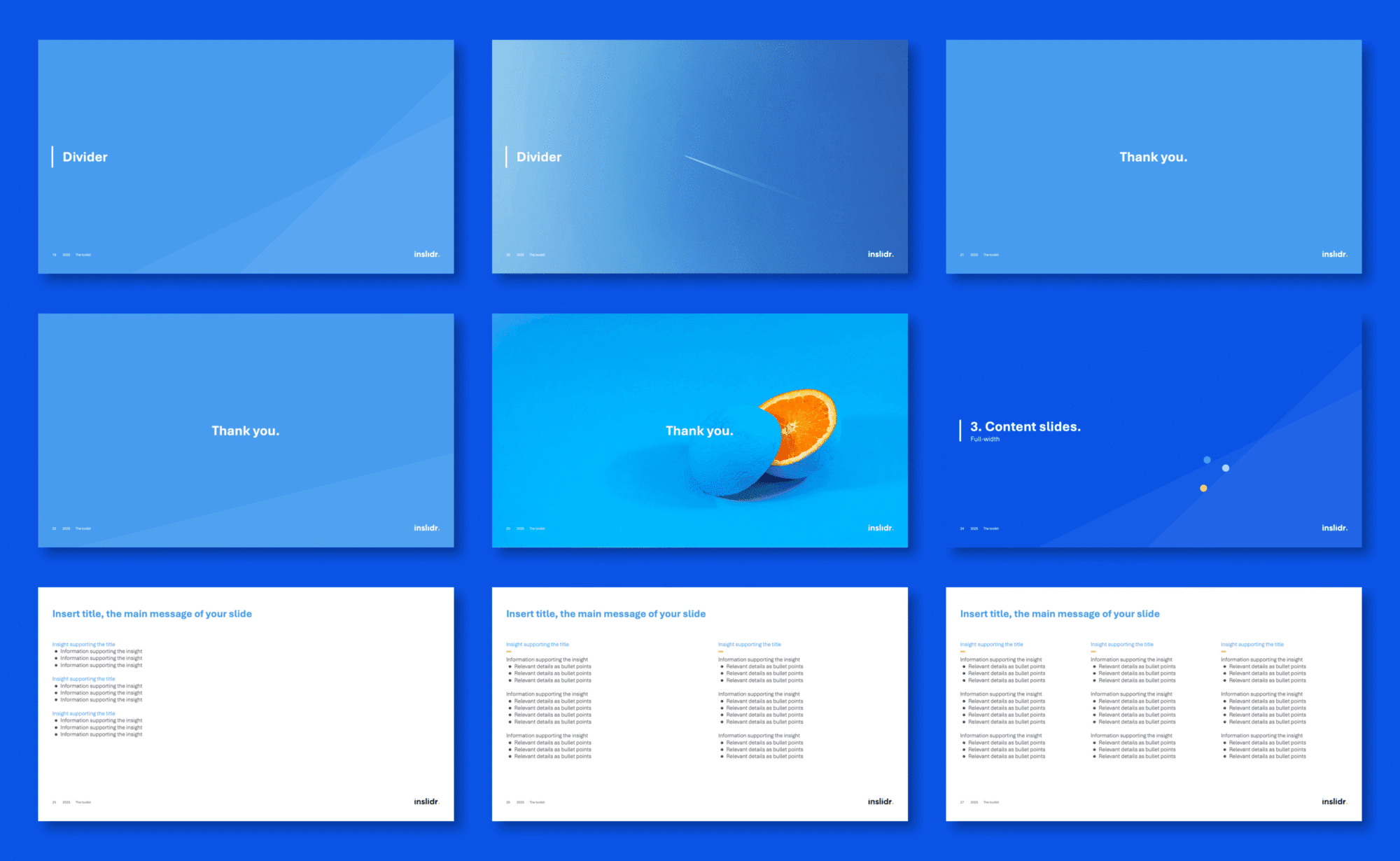
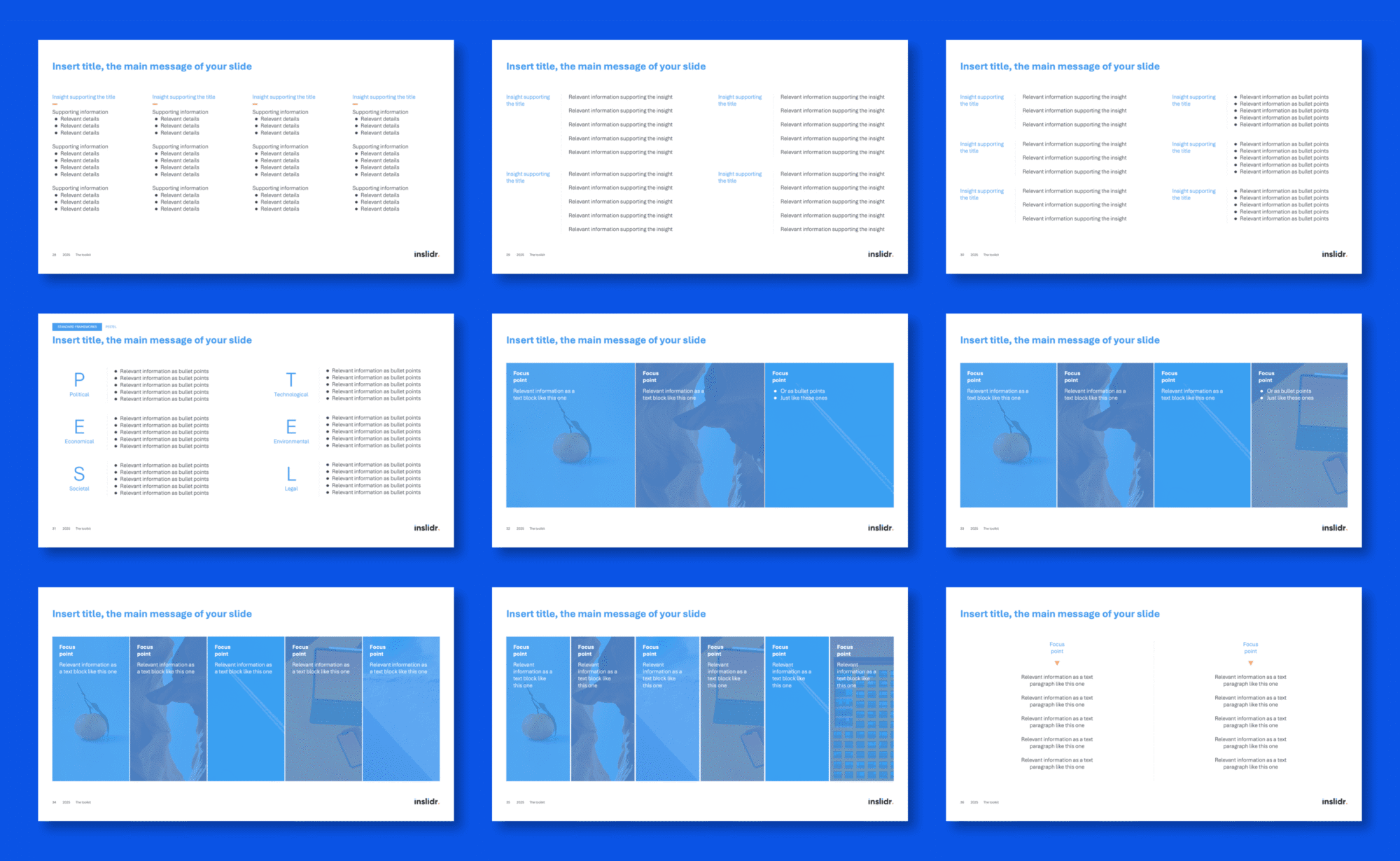
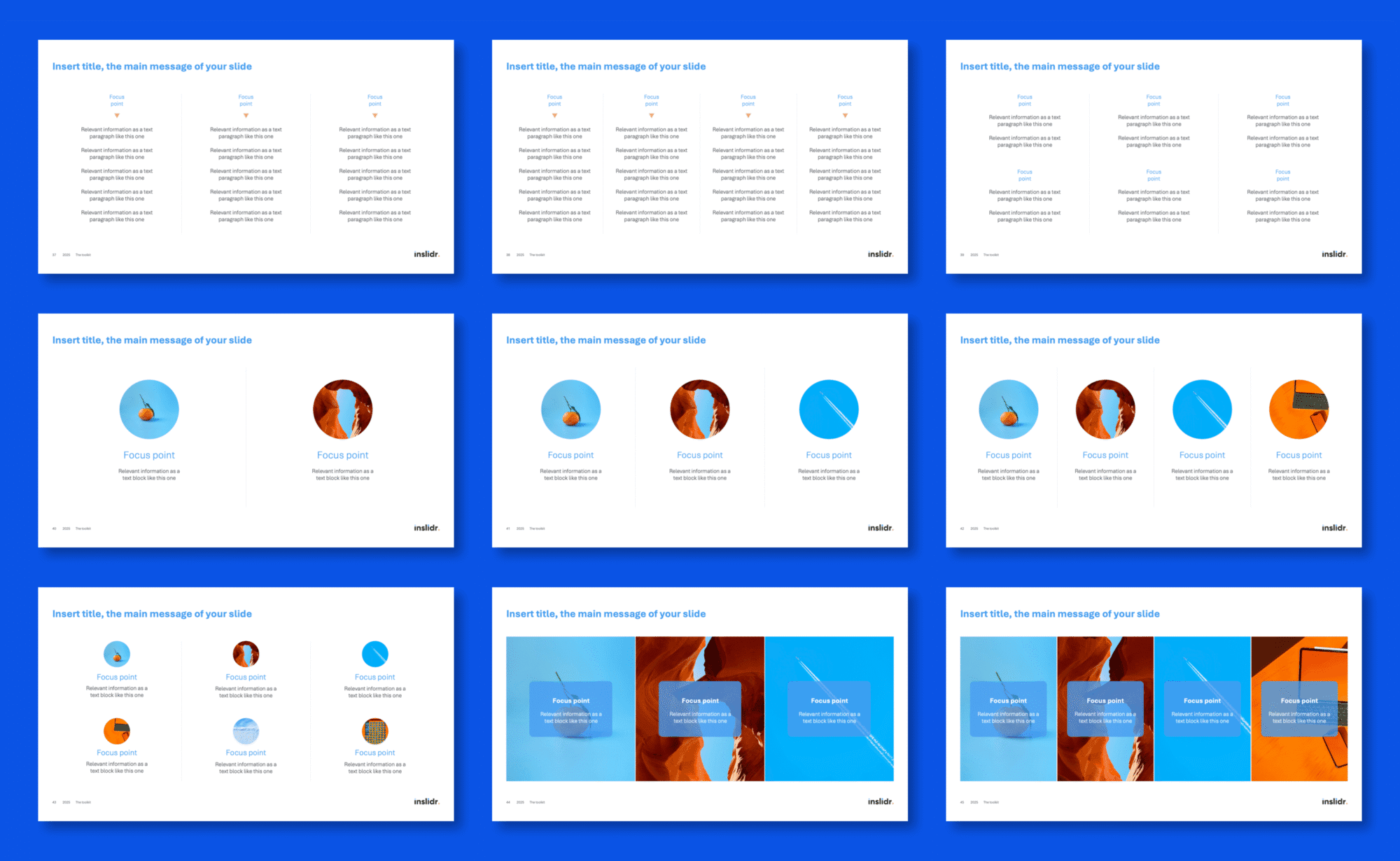
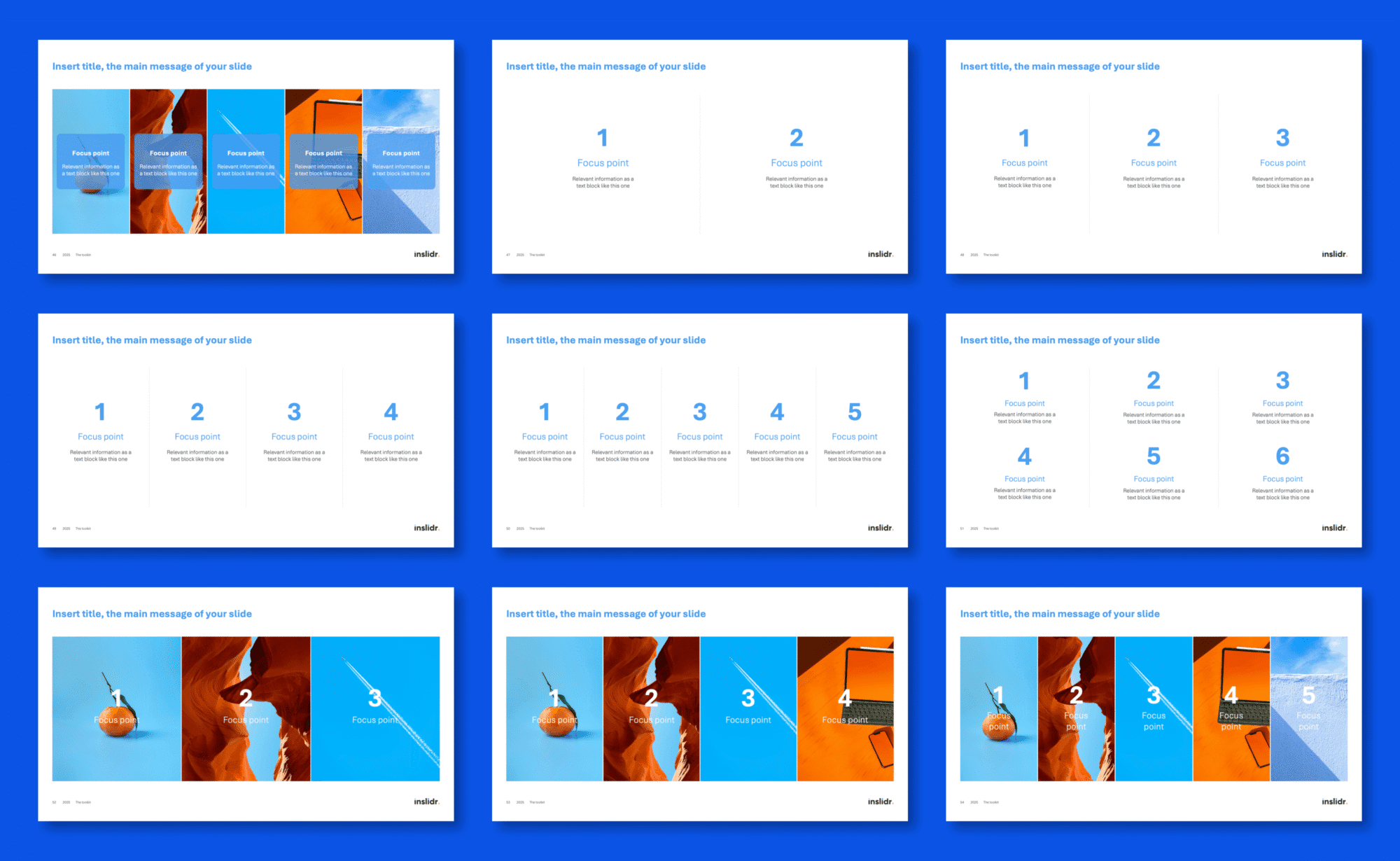
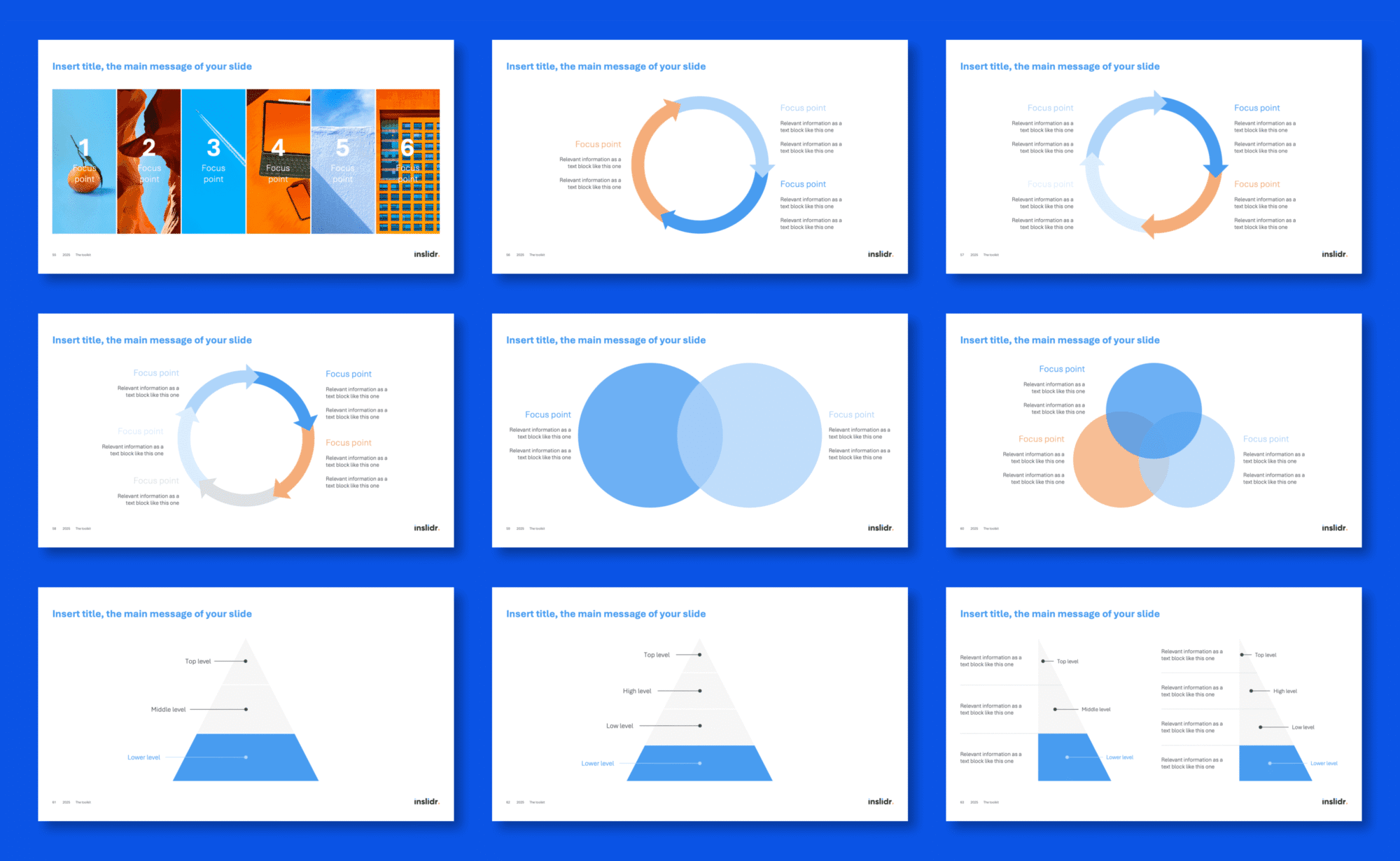
A selection of slides is shown below, followed by thumbnails of all included layouts.
Our expertise
Built on top-tier consulting and strategy experience.
The toolkit is designed by a strategist with over 10 years of experience. First at BCG, and today in the strategy team of Airbus, a global industry leader.
All templates reflect the same standards of clarity, structure, and executive communication used in high-stakes professional presentations.
Testimonials
What customers say.
Excellent deck

Great value for money
Really changed the quality of my deliverables.
Helpful
Really helpful toolkit

Customization
100% customizable. Apply your own branding.
Everything in the toolkit is customizable. You can edit all texts, colors, fonts, logos, etc.
You already use a theme? Paste the templates you want in your deck. Colors and fonts will adapt automatically and match your brand. If you don’t have a theme set up, you can simply customize everything directly on the slides or via the slide master.
The toolkit in action
A strategy case study is included.
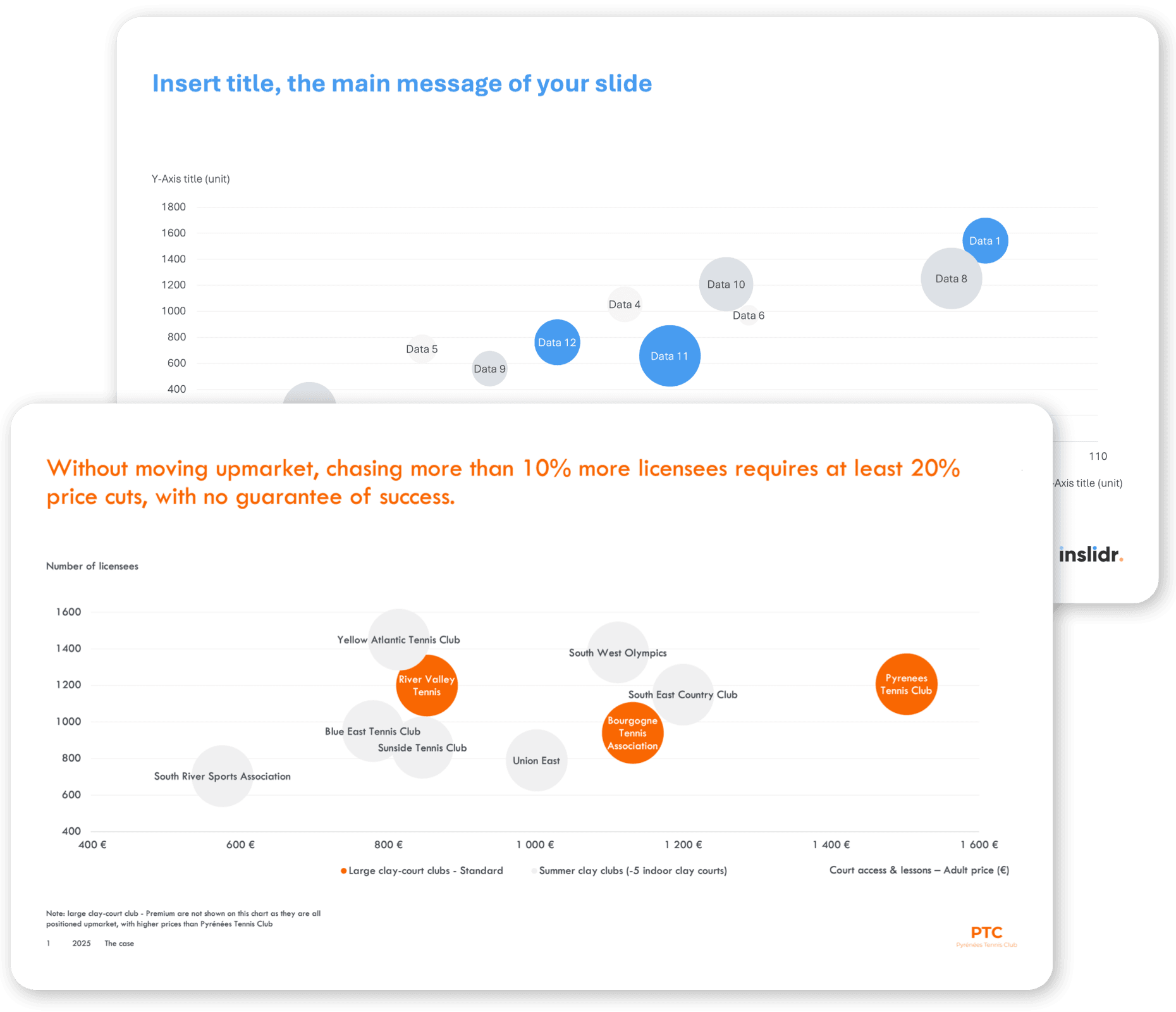
To show how the slides work in practice, the toolkit includes a complete example based on a real-life strategic analysis of a tennis club facing financial pressure.
It shows how the layouts can be used to structure an executive summary, present a benchmark, extract insights, and communicate strategic options with clarity.
Pricing
One-time purchase.
Daily value.
Questions
Any questions?
Send us an email, we’ll reply shortly.
You will also find below a list of frequently asked questions.
Fit check