
Introduction
One of the most common mistakes in business presentations is choosing a chart because it looks good, or because it was used in a previous deck. The right chart is not a matter of aesthetics. It is a function of the insight you are trying to communicate, and each of the main chart types serves a different kind of insight.
Consultants approach chart selection with a simple discipline: identify the type of comparison your data is making, then choose the chart that communicates that comparison most clearly. This article walks through that framework.
First: choose the right type of visual element
Before choosing which chart to use, make sure a chart is the right choice at all. On a consulting slide, information can be presented in three forms:
Structured text is best for qualitative insights: executive summaries, recommendations, industry trends, or any finding that is primarily narrative and analytical. Text structured with clear bullet points and bold summary sentences communicates these insights more cleanly than a chart would. Icons and pictures can reinforce it, by visually anchoring the key points.
Charts are best for quantitative insights: any situation where you are comparing data points across dimensions like time, size, geography, or correlation. If the insight depends on numbers, a chart is almost always clearer than a text description of those numbers.
Diagrams are best for processes and frameworks: project timelines, organizational structures, decision trees, or workflow overviews. When the insight is about how something works or how steps connect, a diagram communicates structure more clearly than either text or charts.

If you’re unsure which form fits, experiment. Try one, then put yourself in your audience’s shoes and ask: is this easy to understand? If not, try a different approach. Over time, you’ll develop an intuitive sense of what works, and build better slides with less effort.
The rest of this article focuses on charts, and how to choose the right type once you have established that a chart is what the slide needs.
Start with the insight, not the data
Before choosing a chart, ask one question: what is the single point I want this chart to prove?
Your slide title should already answer this. If your title reads “Segment X now accounts for 60% of revenue, up from 40% three years ago,” you know the insight is about composition and how it has shifted over time. That tells you more about which chart to use than any amount of data does.
The chart exists to prove the title. Not to display the data. Not to show thoroughness. To prove one specific point as clearly as possible.
The main chart types and when to use them
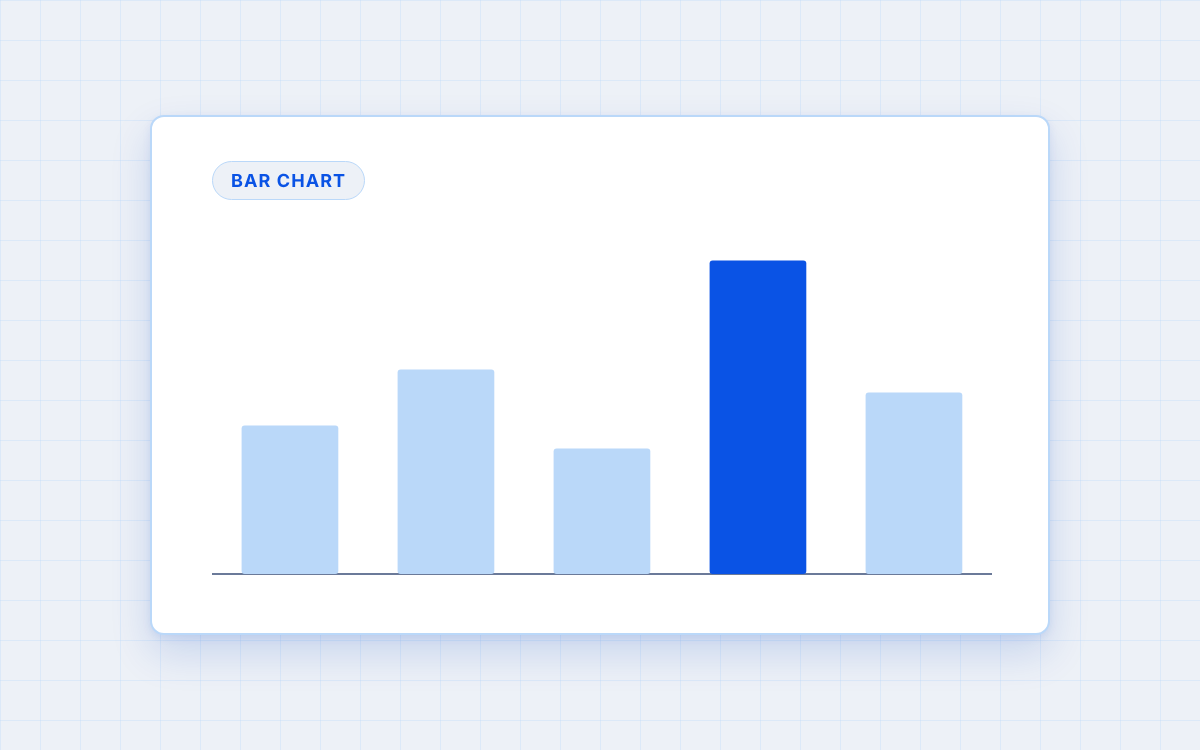
Bar chart: comparing values at a point in time
Use when you want to show that one value is larger, smaller, or similar to another, at a single point in time.
Bar charts are the clearest way to compare discrete values. Horizontal bars work particularly well when you have many categories or long labels. Vertical bars (column charts) work better for fewer categories.
Example: comparing revenue across five business units in 2024.
Avoid pie charts for comparisons. They require the eye to judge angles rather than lengths, which makes accurate comparison much harder.
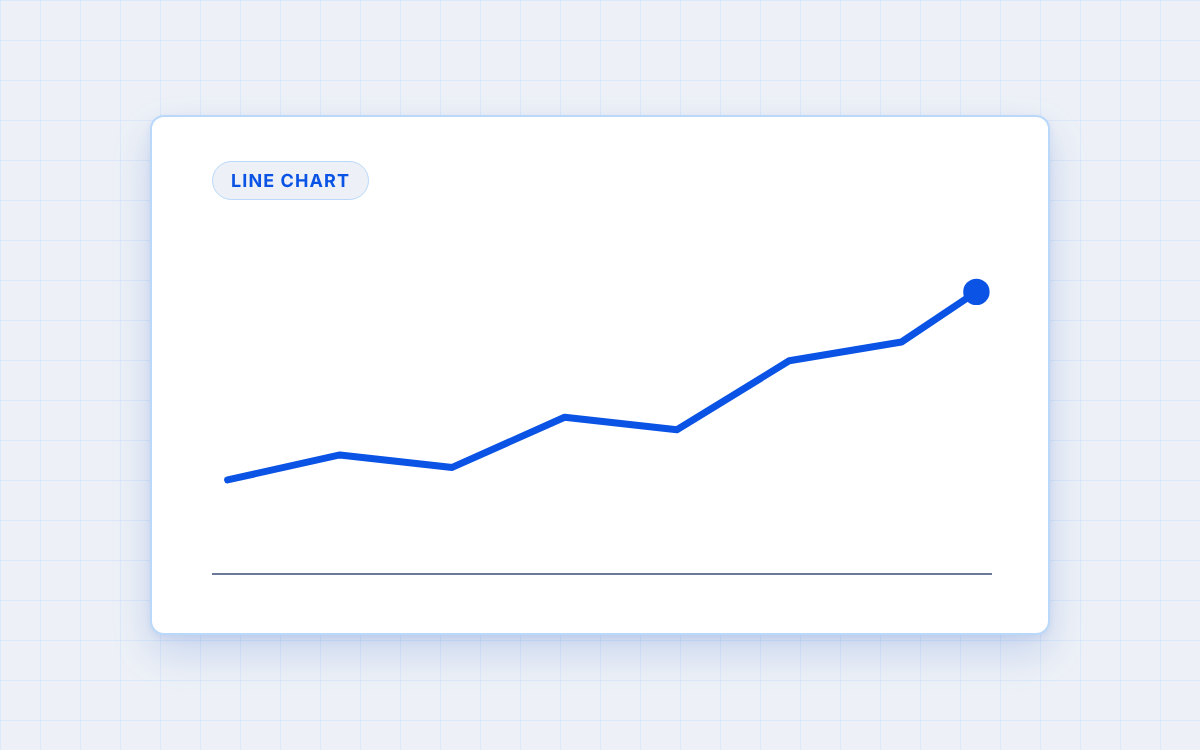
Line chart: showing change over time
Use when you want to show how a value evolves across a time period, whether it is growing, declining, or fluctuating.
Lines communicate change over time intuitively. The slope makes direction and pace immediately visible. Column charts can also work for trends when the time periods are few (three to five years) and you want to emphasize discrete values rather than the trajectory.
Example: monthly revenue over the past twelve months.
Avoid bar charts for long time series. They become cluttered quickly and obscure the trend.
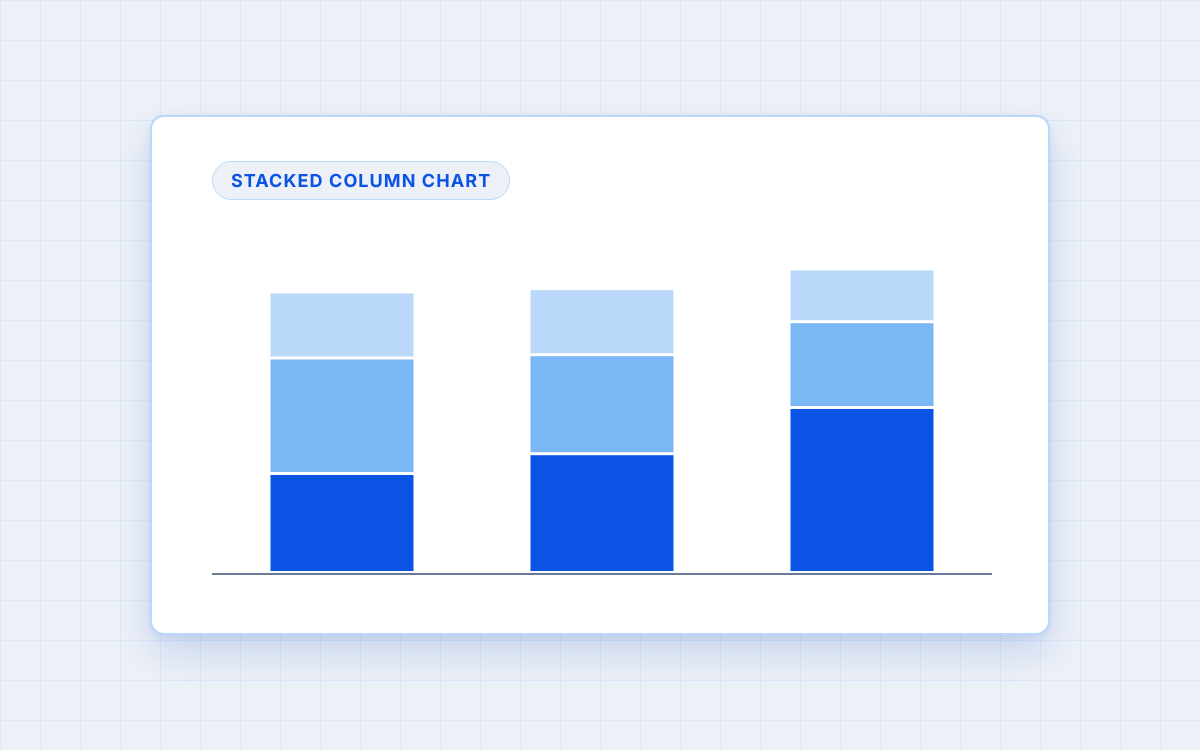
Stacked bar or stacked column chart: showing composition
Use when you want to show how a total is divided among its components, and ideally how that breakdown changes over time.
Stacked charts show both the total and the composition simultaneously, and can be placed side by side to show how the breakdown evolves. Avoid pie charts for composition except in the simplest cases (two or three very distinct segments). As soon as segments become similar in size, differences become invisible.
Example: revenue breakdown by product line in 2022, 2023, and 2024.
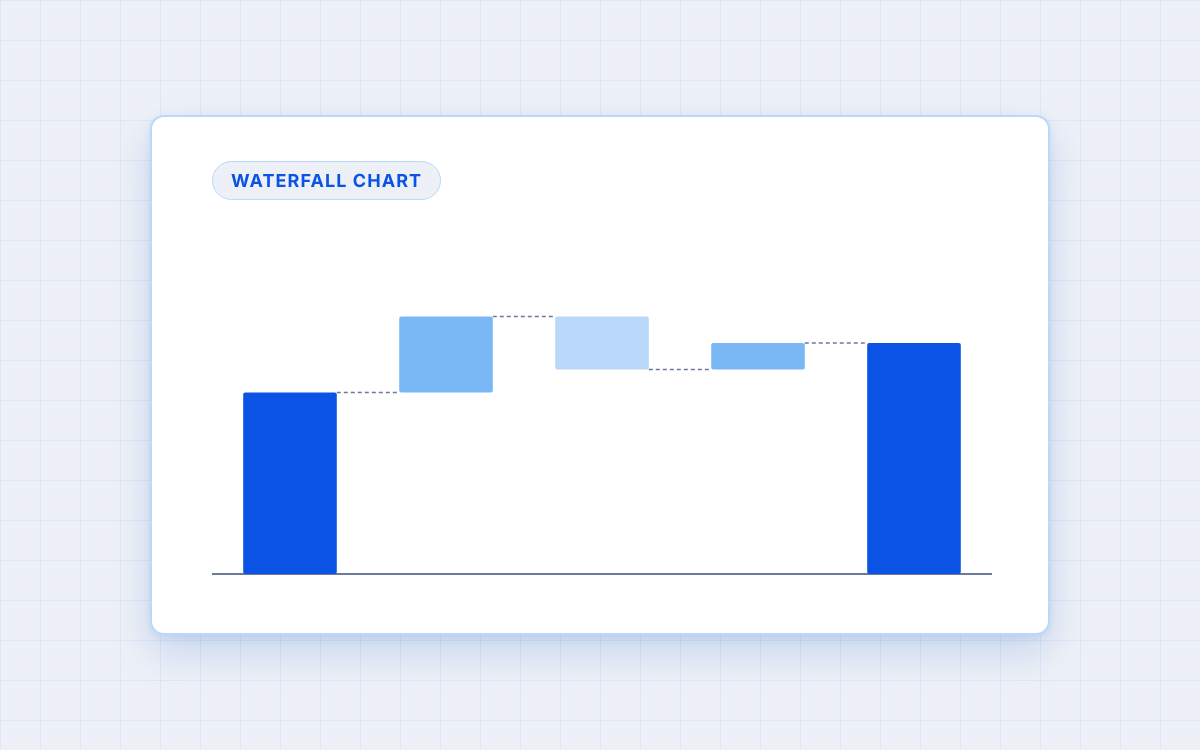
Waterfall chart: explaining a bridge between two values
Use when you want to show how a starting value reaches an ending value through a series of positive and negative contributions.
The waterfall chart is one of the most powerful tools in consulting presentations precisely because it makes causality visible. Instead of simply showing that profit declined, it shows exactly how much each factor contributed to the decline. This is sometimes called a bridge chart.
Example: showing how operating profit went from €120m to €85m, with individual bars for revenue growth (+€20m), cost increases (-€30m), currency impact (-€15m), and other factors (+€10m).
The waterfall chart is particularly useful for financial analysis, variance analysis between two years, and any situation where the audience needs to understand the drivers of change, not just the change itself.
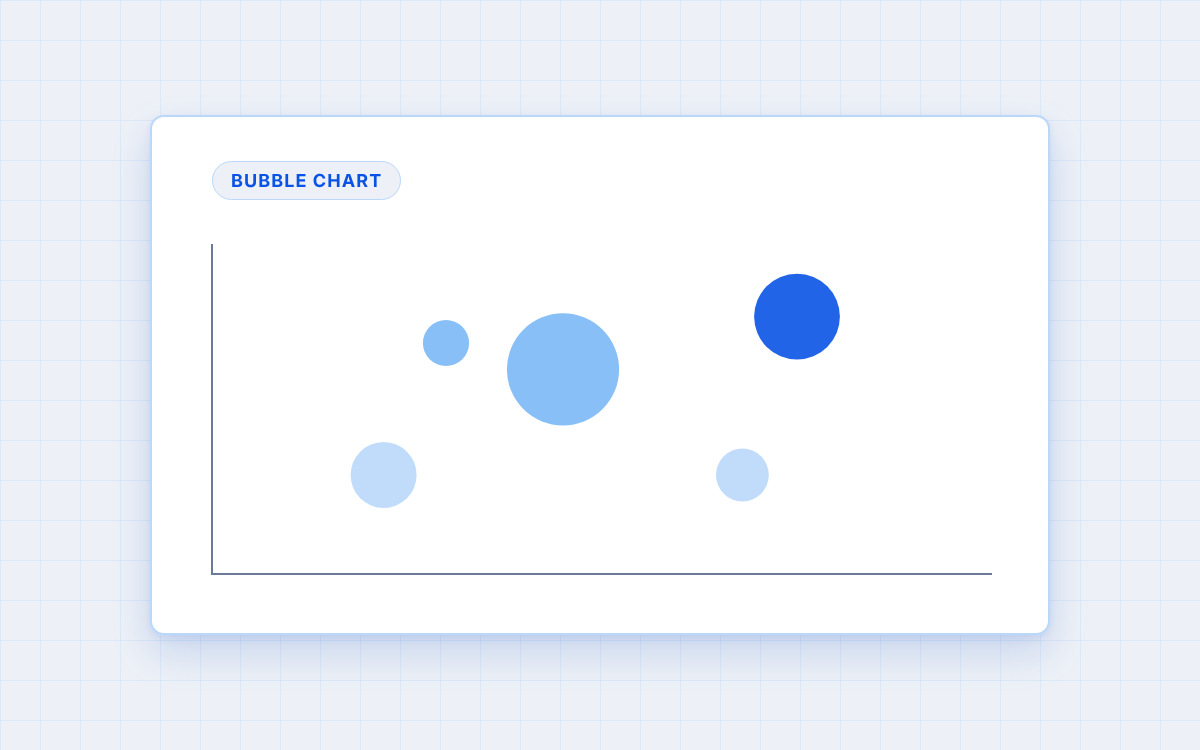
Bubble chart: comparing three dimensions simultaneously
Use when you want to show the relationship between three variables at once, typically for portfolio analysis or segmentation.
A bubble chart is a scatter plot where each point has a size dimension in addition to its x and y position. This makes it possible to plot three metrics simultaneously: for example, market size on the x axis, growth rate on the y axis, and current market share as the size of the bubble.
Example: mapping a company’s product portfolio by market attractiveness (x axis), competitive position (y axis), and revenue contribution (bubble size), to identify where to invest and where to divest.
Bubble charts require more effort from the audience to read, so they work best when the three-dimensional insight is genuinely the point, and the story cannot be told with a simpler chart.
Scatter plot: showing correlation between two variables
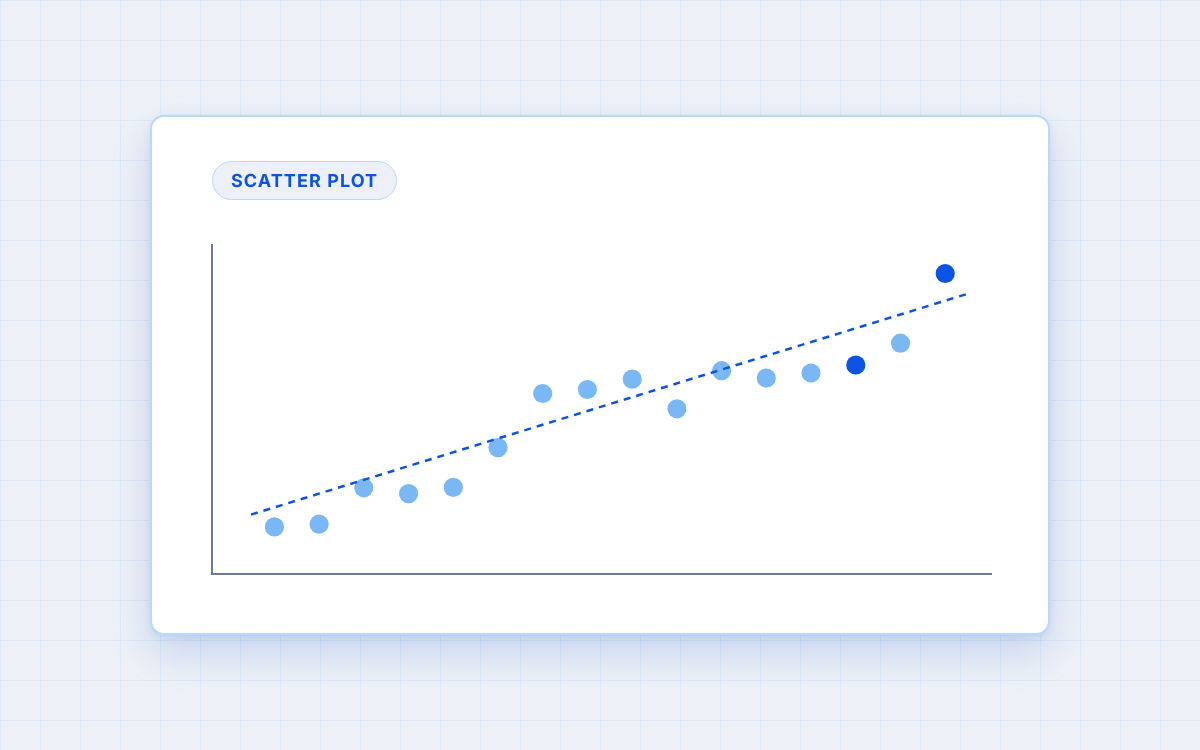
Use when you want to show whether two variables move together, or how observations distribute across two dimensions.
Each point represents an observation, with one variable on each axis. The pattern of points reveals the relationship. Scatter plots are less common in executive presentations than in analytical work, but powerful when the insight is about correlation or segmentation.
Example: plotting marketing spend against revenue growth for a set of business units, to identify which investments are delivering returns.
Common mistakes to avoid
Using pie charts by default
Pie charts are among the weakest chart types for business presentations. The eye judges area and angle much less accurately than length. Unless you have two or three very distinct segments, a bar chart will almost always communicate the same point more clearly.
Choosing a chart that obscures the insight
A 3D bar chart, a dual-axis chart with different scales, or a clustered chart with many series can all make data harder to read rather than easier. If the chart requires explanation to understand, it is the wrong chart.
Including too many data series
A chart with seven lines or ten bar clusters forces the audience to work too hard. If the insight is about one trend, show one line. Move the supporting detail to the appendix.
Using color without purpose
Color should highlight what matters. If all bars are the same color, fine. If you use color, use it to draw attention to the specific bar or line that proves your title.
Formatting principles that apply to all chart types
Whatever chart type you use, the same design discipline applies:
- Axis labels should be clear and minimal. Remove gridlines that do not add information.
- Remove chart borders and decorative elements.
- Use color sparingly: highlight the key data point, mute the rest.
Conclusion
Chart selection is not a design decision. It is a communication decision. Start by confirming that a chart is the right visual element for the insight. Then identify what type of comparison you are making, and choose the chart that communicates that comparison most clearly.
Bar charts for comparisons. Line charts for trends. Stacked charts for composition. Waterfall charts for bridges. Bubble charts for three-dimensional portfolio analysis. Scatter plots for correlations.
Then remove everything that does not serve the point.
For a complete approach to building slide bodies, read our complete business presentation guide.
If you found this guide useful, share it with friends and colleagues who might benefit.

Leave a Reply